
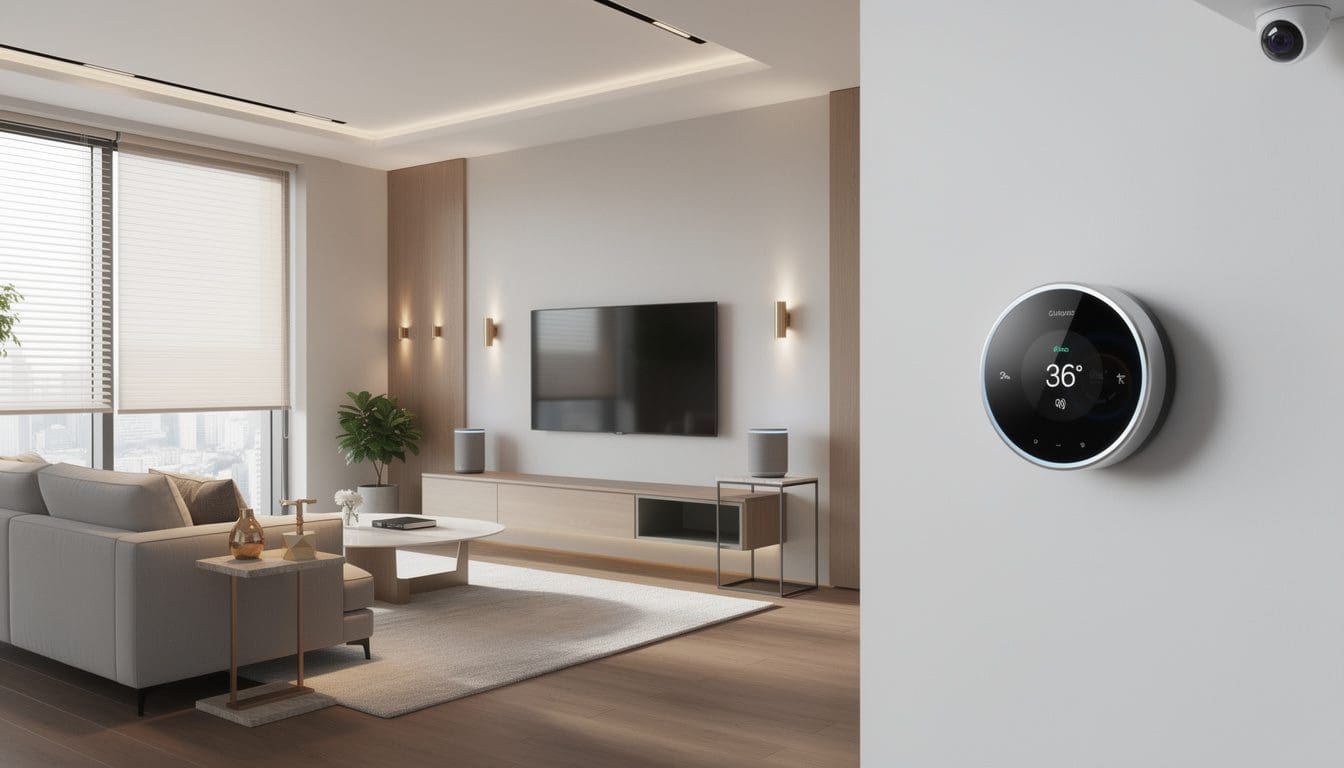
Home automation has shifted from scattered gadgets to cohesive systems that orchestrate lighting, climate, security and entertainment from a single interface. The market is forecast to climb toward hundreds of billions of dollars globally, which means an overwhelming number of platforms, hubs and apps to compare. Some homeowners want an elegant, professionally installed system that disappears into the background; others prefer a flexible DIY stack built around open-source tools and affordable devices. Between those extremes lie cloud-based assistants, local-first controllers and high-end ecosystems that promise “whole home” intelligence rather than isolated tricks.
Choosing the right platform is less about chasing the most features and more about matching a system to the way people actually live. A busy family like the fictitious Parkers, juggling school runs, remote work and frequent travel, needs automation that just works and never leaves them guessing which app controls which light. A tech‑savvy couple in a loft may accept more complexity in exchange for deep customization and privacy. This comparison guide maps the landscape from consumer platforms like Alexa, Google and HomeKit, through DIY powerhouses such as Home Assistant and OpenHAB, up to premium solutions like Savant, Control4 and Crestron. It also factors in newer standards such as Matter, the wired vs. wireless debate, and what really differentiates “high-end” automation from clever gadgets so that each reader can draw a clear line from needs to the right ecosystem.
Home automation systems explained: from basic smart homes to high-end ecosystems
Before comparing brands, it is crucial to clarify what a home automation system actually is. At its core, it is the combination of a hub or platform, connected devices and automation logic that allows a home to act on conditions instead of waiting for manual input. Rather than simply turning a smart bulb on or off from a phone, a mature system coordinates lighting, temperature, shading, music, locks and sensors so that a home behaves differently on a weekday morning than on a movie night or a vacation week.
A helpful starting point is to distinguish between a “smart home” and a “home automation system”. A smart home may consist of a handful of devices managed independently: Wi‑Fi bulbs here, a video doorbell there, and perhaps a standalone thermostat app. A genuine automation system adds a unifying brain that can set rules like “if no one is home and it is after sunset, switch on porch lights and arm security”. Resources like what is home automation walk through these concepts in more depth for newcomers.
In practical terms, any serious comparison has to consider a few building blocks:
- Control layer – the app, hub, voice assistant or dedicated touchscreens that serve as the user interface.
- Connectivity – underlying technologies such as Wi‑Fi, Zigbee, Z‑Wave, Thread, Bluetooth, or wired buses like KNX.
- Automation engine – the rules and routines engine that reacts to time, presence, sensors or external data.
- Integration depth – how many devices and brands are supported and how well they interoperate.
Over the last decade, platforms such as Amazon Alexa, Google Home and Apple HomeKit have blurred the lines by acting as both control layer and partial automation engine. Articles like the best smart home systems roundups highlight how these mainstream ecosystems now rival some specialist solutions in breadth of device support. However, they still lean heavily on cloud processing and may lack the nuanced, whole‑house logic that dedicated automation software or high-end control platforms offer.
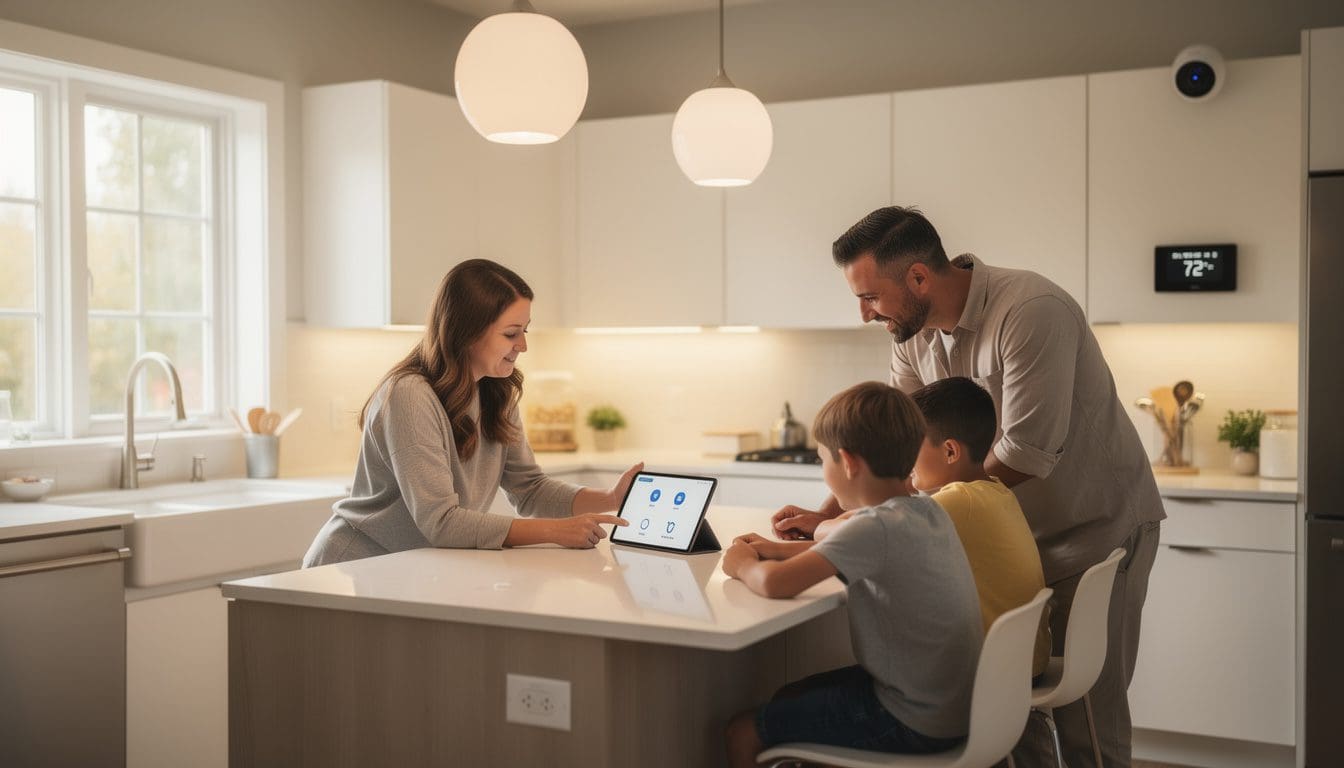
The fictional Parker family illustrates this divide. Initially, they bought individual gadgets: smart plugs to turn on lamps, Wi‑Fi cameras for the driveway and a connected thermostat to cut energy bills. Each worked, but their phones filled up with apps. When they left for holidays, they had to tap through multiple interfaces to confirm that lights simulated occupancy and cameras were armed. Transitioning to a central platform, using a smart hub as described in resources such as smart home hubs explained, allowed them to replace that app‑hopping with a single “Away” scene.
On the high-end side, brands like Savant, Control4 and Crestron follow a different philosophy. Instead of minor convenience, they aim for seamless, invisible control of every subsystem in a building. A homeowner might walk into a room and trigger a personalized scene via occupancy sensors; the system quietly adjusts blinds, sets music to a favorite playlist and tunes climate based on historical comfort data. An in‑depth piece such as the best high-end home automation systems overview and comparison explores how these platforms deliver that experience and what differentiates them from DIY‑friendly ecosystems.
Understanding this spectrum — from device‑centric setups to unified, rule‑driven environments — makes it easier to evaluate later sections on software tools, hubs, and professional solutions. The key insight is that the “best” system is the one whose architecture and philosophy align with the complexity of the home and the expectations of the people living in it.
Comparing high-end home automation systems: Savant, Control4, and Crestron
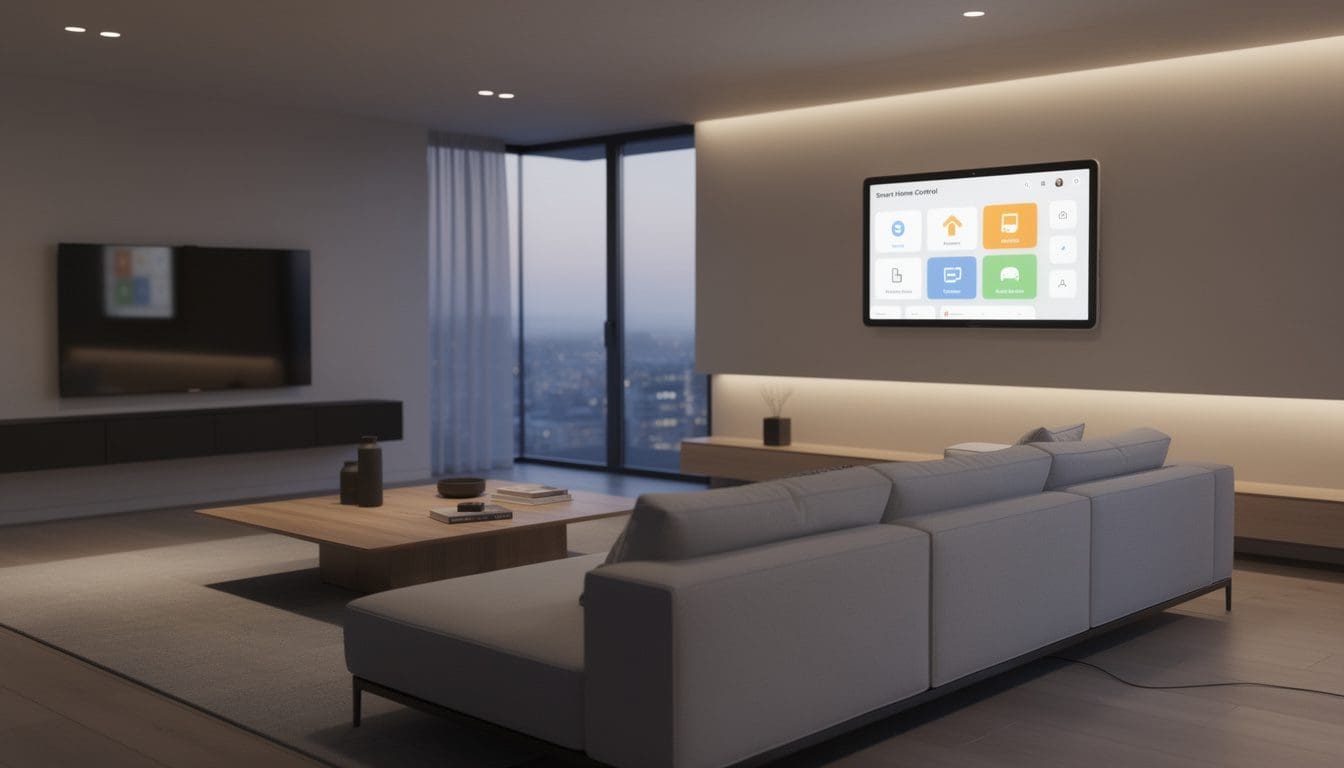
At the top of the market, three names attract most attention for fully integrated, professionally installed automation: Savant, Control4 and Crestron. All three aim to orchestrate lighting, HVAC, security, multiroom audio and video, motorized shading and more, but their strengths and philosophies vary. Homeowners planning a whole‑home renovation or new build often compare these platforms the way they might compare premium car brands, focusing on interface, customization potential and long‑term support.
Savant has long been associated with an elegant, visually refined interface. Its SavantOS, inspired by iOS design principles, offers a consistent look across iPhone, iPad, Android and in‑wall touchscreens. Users often praise the platform’s ability to present complex homes — with multiple floors, guest wings and exterior areas — in a way that still feels approachable. Recent announcements highlight features like Smart Budget, a module that connects to an electrical panel and dynamically manages load balancing for heavy‑draw devices. That is particularly relevant for households adding EV chargers without wanting to upgrade service capacity, as the system can throttle or schedule loads intelligently.
Control4, by contrast, built its reputation on integration breadth and cost‑effectiveness. Its Linux‑based OS supports a vast catalogue of third‑party devices and AV gear, making it appealing for projects where existing components need to be folded into a new automation layer. Historically some users found the interface less intuitive than Savant’s, but a new generation OS promises a redesigned home screen, deeper personalization and an easier learning curve. An important addition is the Routines feature, designed to let homeowners schedule and tweak behaviors without calling their integrator for every change.
Crestron occupies an interesting position. Traditionally dominant in commercial and ultra‑luxury residential projects, it is known for extreme customizability and the ability to integrate virtually anything with a control port. Supply‑chain issues in recent years knocked it out of contention in some residential projects, but newer releases like Crestron Home OS 4.4 have renewed interest. This version emphasizes sustainability dashboards, weather‑aware automation for shading and HVAC, and simplified climate control screens. The system still shines when a project demands bespoke logic and tailored interfaces, such as a residence that doubles as a small office with meeting rooms, or a property that spans multiple buildings.
When comparing these platforms, a prospective buyer should look closely at:
- Interface and daily usability – is the layout intuitive for every family member, including guests?
- Programming flexibility – how often will a professional need to adjust scenes, and what can the owner change alone?
- Ecosystem strategy – are integrations with newer standards like Matter and Thread on the roadmap?
- Dealer network – is there strong local support for installation and long‑term maintenance?
Comparative guides such as best home automation system overviews and buyer‑oriented analyses like the detailed reviews of home automation companies provide helpful snapshots of how these brands stack up in real installations. They reiterate that the success of any high-end platform depends as much on the skill of the integrator as on the underlying hardware or software.
For the Parker family, imagining a move from their mid‑range DIY setup to a high-end system would mean more than prettier screens. It would allow a single button press at night to secure doors, lower shades, park the EV in a schedule that matches off‑peak energy tariffs and adjust climate intelligently, all while quietly balancing the home’s electrical budget. This is the promise these platforms make — and why a thorough, methodical comparison is essential before signing a contract.
Top smart home automation software platforms: strengths, weaknesses and ideal users
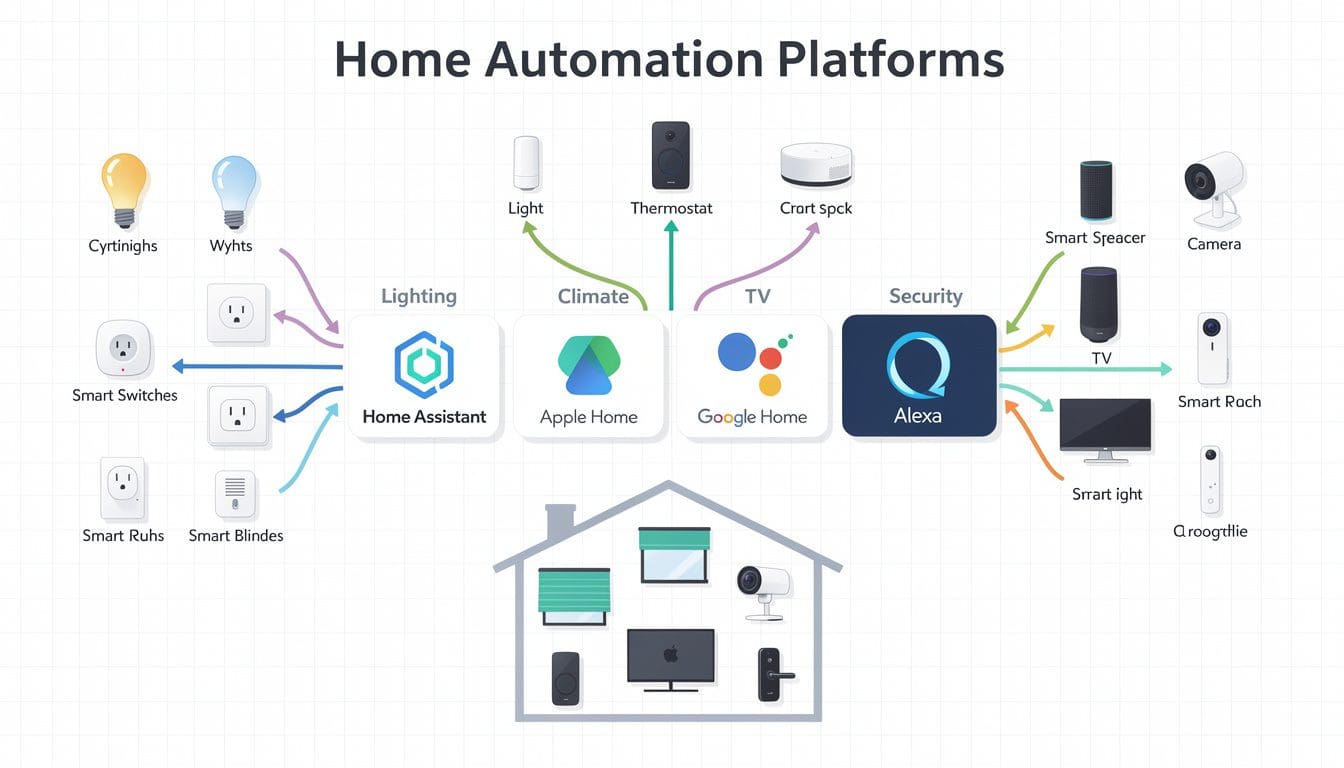
Below the fully installed luxury tier sits a diverse ecosystem of software-centric platforms aimed at enthusiasts, tinkerers and cost‑conscious homeowners. Open-source tools such as Home Assistant, OpenHAB, Domoticz and Calaos share the stage with commercial solutions like Hubitat and HomeSeer. At the same time, consumer ecosystems like Amazon Alexa, Google Nest and Apple HomeKit offer automation layers that are surprisingly capable for many households.
Open-source leaders stand out for flexibility and privacy. Home Assistant, for example, can run on a small appliance, NAS or cloud‑capable server and offers integrations with thousands of devices, including Matter, Zigbee and Z‑Wave. It processes most automations locally, which appeals to users wary of relying on remote servers. Tutorials from sites such as top 10 home automation software tools comparisons often highlight how this platform can tie together disparate ecosystems — Philips Hue, Sonos, Lutron, even high-end controllers — under one logic engine.
OpenHAB shares many of these traits, with an emphasis on vendor‑neutral design and rule‑based automation that can remain understandable even in complex scenarios. Domoticz offers a lightweight alternative for those running on minimal hardware such as a Raspberry Pi, sacrificing some interface polish in exchange for low resource usage. Calaos takes a full‑stack approach with a dedicated OS image and touchscreen‑friendly interfaces suited for wall‑mounted panels.
Commercial local‑first options like Hubitat and HomeSeer bridge the gap between open-source and cloud platforms. Hubitat focuses on fast local processing of Zigbee and Z‑Wave devices and provides an accessible rules engine, while HomeSeer leans into advanced scripting, making it a favorite for users comfortable with code. Both reduce cloud dependence, which means automations such as turning on hallway lights when a door opens will continue even if the internet link drops.
Cloud‑centric ecosystems — Amazon Alexa, Google Nest, Apple HomeKit — are usually easier to set up and maintain. They are also deeply embedded in consumer electronics, from smart speakers to TVs. Independent tests such as those summarized in best smart home devices collections and hub‑focused roundups like the best smart home hubs show that for many apartments and smaller homes, these platforms now deliver enough automation to handle daily routines.
For readers trying to map this landscape to real‑world scenarios, it helps to classify ideal users:
- Beginner / convenience-focused – prefers Alexa, Google Nest or HomeKit for plug‑and‑play routines and voice control.
- DIY enthusiast – gravitates to Home Assistant, OpenHAB or Hubitat for fine‑grained control and privacy.
- Power user / hobbyist – may opt for HomeSeer or a combination of open-source tools for complex automations.
- Design‑driven homeowner – leans toward Savant or Control4 for cohesive interfaces and turnkey installation.
For the Parkers, who started with a cloud ecosystem and gradually grew frustrated with cloud‑only limitations, a hybrid approach emerged as ideal. They retained Alexa speakers for natural voice interaction but placed Home Assistant on a small box in their utility room to orchestrate more nuanced rules and to keep core functions operational during outages. That blend — consumer assistant plus local brain — is increasingly common among users who want both polish and resilience.
Guides such as the ultimate smart home systems comparison and curated lists of automation tools allow prospective users to compare not just feature checklists, but also maintenance overhead, community strength and learning curve. The takeaway is clear: choosing software is as much about how much tinkering someone is willing to do as it is about technical specs.
Wireless vs wired home automation architectures: reliability, performance and security
Underlying every home automation system is a critical design choice: wired, wireless or a hybrid network. This decision affects reliability, responsiveness, security and total cost of ownership more than many buyers initially realize. While wireless protocols like Zigbee, Z‑Wave, Thread and Wi‑Fi dominate apartments and retrofits, wired buses such as KNX, proprietary cabling for keypads and hard‑wired sensors still underpin many high-end homes.
Wireless designs shine in flexibility and cost‑effective installation. They avoid opening walls and allow devices to be added or relocated with minimal disruption. A comprehensive discussion like the one in wireless vs wired home automation comparisons notes that modern mesh protocols can be highly reliable when properly planned. Zigbee and Thread, for instance, allow mains‑powered devices to act as repeaters, strengthening the network as more nodes are added.
However, wireless systems remain susceptible to interference, range limitations and dependence on radio quality. A concrete‑heavy building or townhouse with thick internal walls can create dead zones where sensors intermittently drop offline. For the Parker family, a detached garage initially suffered from an unreliable door sensor because the nearest repeater was too far. Only after adding a smart plug halfway between did the mesh stabilize.
Wired architectures flip the trade‑offs. They excel in predictability and security: a hard‑wired motion detector or keypad does not worry about battery life or radio congestion. High-end installations often home‑run low‑voltage cables from every room back to a central rack, where lighting, audio and control equipment live. This approach allows clean walls with minimalist keypads, robust performance and easier troubleshooting for technicians who can see every circuit on a patch panel.
Yet the cost and complexity of wired designs cannot be ignored. Cable planning must be finalized early in a build or renovation, and changing functions later may be harder. Adding a keypad where none was planned can require more invasive work. For this reason, many experts advocate a hybrid model: wire where it matters most — for critical sensors, backbone infrastructure, network and AV distribution — and rely on wireless for non‑critical convenience devices.
When weighing these options, homeowners should examine a few key considerations:
- Project stage – new builds and major renovations can justify structured cabling; existing homes may favor wireless retrofits.
- Reliability requirements – security, fire and life‑safety systems often benefit from wired links.
- Budget and future‑proofing – extra low‑voltage cabling during construction is relatively cheap insurance for future upgrades.
- Vendor ecosystem – some high-end systems integrate more naturally with wired lighting and shading, while DIY platforms are optimized for wireless meshes.
Resources such as roundups of the best smart home automation systems often emphasize that a robust physical layer is the foundation for any sophisticated automation logic. The most advanced software or luxury controller cannot compensate for an unreliable underlying network.
In the Parker’s scenario, a future renovation might see them replacing several wireless wall switches with centralized lighting modules and keypads connected over low‑voltage wiring. Their experience with occasional wireless glitches has already highlighted which circuits truly deserve rock‑solid reliability. For now, they mitigate wireless fragility with careful placement of repeaters and a solid wired IP backbone for cameras and core network gear. The lesson is straightforward: thoughtful infrastructure decisions made early pay dividends in every automation decision that follows.
Practical home automation comparison: room-by-room use cases and device ecosystems
Translating system specs into daily life requires a closer look at room‑by‑room scenarios. Many guides speak in generalities, but homeowners experience automation in concrete moments: a hallway light that turns on at 2 a.m. without blinding glare, a kitchen that brightens when someone starts cooking, or a home office whose climate and lighting adapt to work schedules. Evaluating platforms against these lived experiences helps separate marketing claims from meaningful capability.
Lighting is often the first entry point. For tenants and apartment dwellers, smart lighting setup for apartments suggests using smart bulbs and wireless switches to avoid rewiring. In a family kitchen, scene‑based lighting might create “Cooking”, “Dining” and “Cleanup” presets, triggered manually or tied to time of day. Higher‑end systems may also integrate circadian lighting that gradually shifts color temperature to match natural daylight cycles, enhancing comfort.
Smart plugs provide another low‑barrier entry. A concise overview like smart plugs: what they do and why you need one explains how they can automate lamps, fans, coffee makers or even holiday decorations. In the Parker home, smart plugs became testbeds: before investing in built‑in modules, they used plugs to learn which appliances truly benefited from automation and which were rarely touched.
Security and safety use cases tend to drive more considered choices. A resource such as smart home security for beginners stresses that locks, alarm sensors and cameras must remain dependable even when Wi‑Fi hiccups. Integrations between door locks, occupancy detection and lighting scenes can deter intruders while also welcoming residents home. The choice of system determines whether such interactions are easy to configure or require advanced knowledge or professional programming.
Climate control is another crucial domain. Choosing the right thermostat, as outlined in how to choose a smart thermostat, involves more than matching HVAC type. It requires checking compatibility with the chosen platform, support for multi‑zone systems and integration with presence detection. In a well‑designed system, a thermostat does not operate alone; window sensors, shading and occupancy patterns all feed into energy‑efficient control strategies.
As automation expands, homeowners quickly discover that every room offers opportunities:
- Living room – scenes that combine lights, blinds and AV; voice‑controlled volume and source selection.
- Bedrooms – gentle wake‑up routines with gradual light increases and heating; night‑mode behaviors.
- Bathrooms – humidity‑triggered fans, underfloor heating schedules.
- Home office – task‑focused lighting, occupancy‑based climate, “On a call” indicators for family members.
Collections of automation ideas for every room show how creativity can flourish once a reliable platform is in place. For the Parkers, starting with security and comfort in key rooms led naturally to whole‑home patterns. When energy‑monitoring data highlighted usage peaks, they further tuned schedules and devices, informed by guides like energy‑saving devices in 2025, to shave costs without sacrificing comfort.
Comparisons of mainstream ecosystems, as seen in smart home domotics portals and in independent tech media, repeatedly underscore one theme: platforms that enable cross‑room, cross‑device coordination deliver far more perceived value than those that treat each gadget as an island. The daily experience of a home that anticipates behavior, rather than simply responding to taps, is where the real payoff of thoughtful system selection emerges.
What is the most important factor when comparing home automation systems?
The most important factor is how well a system matches the specific home and lifestyle. That includes the size and layout of the property, whether it is a new build or retrofit, the desired level of automation, and the technical comfort of the people using it. A platform that is perfect for a tech enthusiast may frustrate someone who wants a simple, set‑and‑forget experience. Evaluating daily scenarios—such as coming home at night, leaving for holidays, or working from home—helps highlight which features and ecosystems truly matter.
Are professionally installed systems always better than DIY smart home platforms?
Professionally installed systems like Savant, Control4 and Crestron deliver a polished, integrated experience and are ideal for large or complex homes. They also provide dealer support for design, installation and long‑term maintenance. However, they are more expensive and less flexible for hands‑on users. DIY platforms such as Home Assistant, Hubitat or consumer ecosystems like Alexa and HomeKit can offer excellent results at lower cost, especially in smaller homes or apartments. The better option depends on budget, complexity of the property, and how much control the homeowner wants over configuration and changes.
How does the Matter standard affect smart home system choice?
Matter aims to make devices from different brands work together more easily by providing a common communication standard. Its rise means that many new lights, plugs, sensors and locks will be compatible across major ecosystems like Alexa, Google Home and Apple HomeKit. When comparing systems, Matter support reduces the risk of vendor lock‑in and expands device choice. However, it does not replace high‑end control platforms or advanced automation engines, which still differentiate themselves through interface design, programming flexibility and integration depth with AV, security and building systems.
Should a home automation system rely on the cloud or run locally?
Cloud‑based systems are easier to start with and enable powerful features like remote access and voice recognition. However, they depend on internet connectivity and external servers. Local‑first systems run most logic within the home, providing faster response times and continued operation during outages, which is valuable for core functions such as lighting, security and climate control. Many modern setups adopt a hybrid approach: local automation for essential tasks, with cloud services layered on for convenience and remote management.
When is it worth investing in wired automation infrastructure?
Investing in wired infrastructure makes the most sense during new construction or major renovation, when walls are open and cable runs are affordable. Wired connections offer strong reliability, security and future‑proofing, especially for lighting circuits, keypads, sensors and networking. For existing homes where opening walls is impractical, a primarily wireless design supplemented by robust wired networking and carefully placed repeaters often provides an effective balance of cost and performance.