
Homes are becoming more like helpful partners than static spaces. With the right mix of smart automation, every room can quietly adapt to daily rhythms, from lights that match the time of day to locks that secure themselves when everyone leaves. Instead of juggling dozens of apps and remotes, a well-planned setup lets simple triggers – motion, schedule, voice, or even location – orchestrate the whole house in the background. The result is a living space that saves time, reduces energy waste, and gently nudges better habits without feeling like a science project.
Imagine a family like the Parkers: two parents, two kids, a dog, and a never-ending to‑do list. Their home doesn’t just respond to commands; it anticipates patterns. The kitchen knows when breakfast rush hits, the kids’ room shifts into sleep mode at night, and the home office protects focus hours with calm lighting and quiet. This guide walks through automation ideas for every room, blending practical examples and creative routines that can be built with mainstream platforms like Home Assistant, Apple Home, Google Home, or Alexa. Each space becomes a small case study in how thoughtful, human-centered tech can make everyday life calmer and more enjoyable.
Smart Living Room Automation Ideas for Comfort and Entertainment
The living room is often the busiest shared space, which makes it the ideal testing ground for home automation ideas that impress guests and simplify family routines. Rather than just adding a smart bulb or two, the most satisfying setups link lighting, media, temperature, and shades into scenes that match typical activities: movie nights, study sessions, or weekend hangouts.
Lighting scenes that react to time, mood, and activity
Thoughtful lighting automation changes how a living room feels throughout the day. Bright, energizing light supports chores and conversations, while warmer, dimmer light invites relaxation. Instead of manually reaching for dimmers, automation can adjust lights based on time, sunlight, and what’s happening in the room.
- Voice-controlled scenes like “Movie Night,” “Reading,” or “Game Time.”
- Daylight-aware dimming that brightens when clouds roll in and softens at sunset.
- Grouped lights so lamps and overhead fixtures act as one system.
- Night pathway mode with low‑level lights guiding late‑night trips.
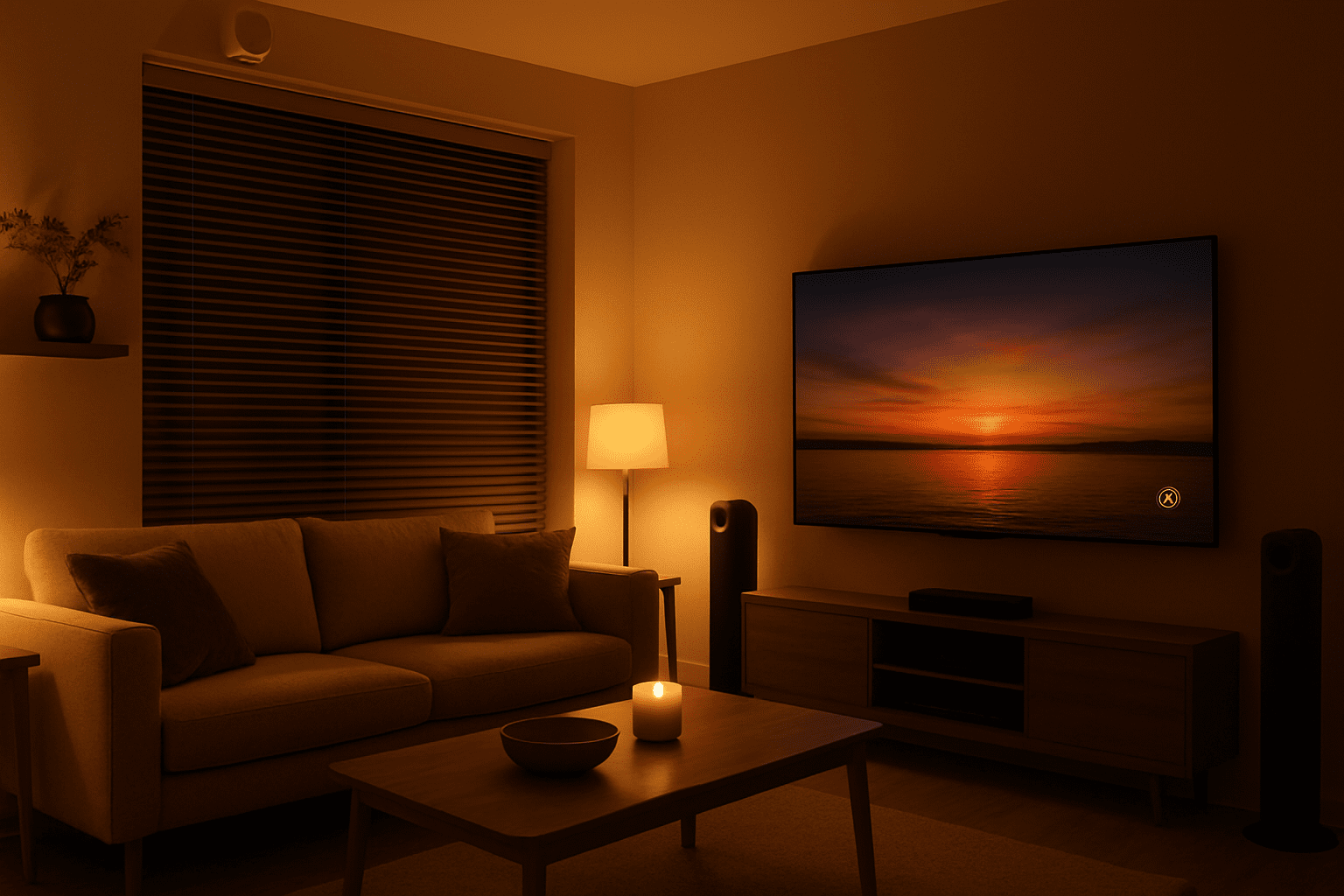
For example, the Parkers use a “Family Evening” scene: at 7 p.m., lamps shift to warm white at 40%, the TV bias light turns on, and overhead spots fade to near off. Motion in the hallway after 10 p.m. triggers floor-level LEDs at 10% brightness, preventing harsh glare. These routines turn the room into a gentle timekeeper that encourages winding down without a single “time for bed” announcement.
Home theater automations that feel cinematic
Entertainment gear can be intimidating, especially for guests or kids. Automation turns a pile of remotes into one simple command and makes the experience feel polished. When a smart TV or streaming box starts a movie app, a hub can orchestrate lights, blinds, and audio automatically.
- Auto-dimming lights when a movie starts and restoring them at pause or stop.
- Smart blinds that close if screen glare is detected or at sunset during playback.
- Sound scene switching between “TV,” “Music,” and “Gaming.”
- Quiet mode that caps TV volume after a certain hour to protect sleep.
One common automation links a smart TV to a rule: “When the TV input switches to HDMI 1 and stays on for 30 seconds, set living‑room lights to 15% and close curtains.” When the TV powers off, all lighting slowly returns to normal levels. This creates that cinema-style transformation with no manual fiddling.
Comfort and energy savings with fans and thermostats
Living rooms are also prime locations for smart thermostats and fans. Instead of arguing about temperature, the system can respond to real activity and weather. Ceiling fans, for instance, can reduce reliance on air conditioning when driven intelligently.
- Adaptive fan speed that reacts to room temperature or humidity.
- Presence-based thermostat setpoints that relax when the room is empty.
- Seasonal schedules that slowly adjust comfort ranges across the year.
- Eco alerts that highlight when windows are open while cooling is running.
A favorite pattern is “Summer Chill”: if the living room temperature exceeds a chosen threshold and someone is present, the fan increases speed before the AC ramps up, cutting energy use. When everyone leaves (detected by motion sensors or phone geofencing), the fan and any unnecessary lights turn off, showing how comfort and conservation can go hand in hand.
When the main hangout space becomes effortless to manage, it sets the tone for automating the more private and task‑oriented rooms that follow.
Bedroom Automation Ideas for Better Sleep and Gentle Mornings
The bedroom is where automation has the most impact on health. Instead of screens and harsh light jolting the body awake or keeping it wired, smart routines can guide a calm transition into sleep and a softer start to the day. The goal isn’t to pack the room with gadgets, but to choreograph light, sound, temperature, and privacy in sync with natural rhythms.
Wind‑down lighting and circadian‑friendly dimming
Human bodies react strongly to light color and intensity. Blue‑rich brightness at night can delay sleep hormones, while warm, low light encourages rest. Smart bulbs and switches let a bedroom support that science without constant manual adjustments.
- Scheduled color shifts from bright, cool tones in early evening to warm amber later on.
- Dim-to-off routines that slowly lower brightness over 20–30 minutes.
- Low “night mode” for quick bathroom trips without full wakefulness.
- Reading scene with bright, focused bedside lamps and dim general lighting.
The Parkers use an 11 p.m. “Sleep Prep” automation. Over half an hour, the main bedroom lights fade from 60% neutral white to 10% warm white, while electronic notifications are muted by a paired “Do Not Disturb” routine on their phones. This gentle visual cue replaces blaring alarms telling them it’s late; the room itself whispers that it’s time to rest.
Smart curtains, alarms, and sunrise simulations
Morning can be transformed with smart curtains and sunrise alarms. Instead of waking to a sudden, jarring tone, the room can fill with gradually brightening light and subtle sound. This approach helps align waking time with the body’s natural processes.
- Sunrise simulation using bulbs that ramp from 0% to full brightness over 20–30 minutes.
- Curtains that open slightly before the alarm to invite natural light.
- Weekend rules that delay all of this unless early meetings are detected on calendars.
- Weather-aware wake-ups that adjust brightness if the morning is gloomy.
A typical routine might start at 6:30 a.m.: lights begin a simulated sunrise, curtains open to 40%, and soft music plays from a smart speaker. If the calendar shows a late night before, the routine automatically shifts 30 minutes later. Automations like this turn mornings from a shock to a gradual invitation to start the day.
Sleep tracking, climate control, and quiet security
Modern beds, thermostats, and sensors can quietly work together to protect rest. The goal isn’t to obsess over data, but to let devices adjust comfort without constant tweaking. A cooler bedroom, for example, often improves sleep quality, so temperature can drop automatically overnight.
- Night setback that lowers bedroom temperature by a couple of degrees while people sleep.
- Fan automation tied to humidity, noise masking, or snoring detection.
- Security scenes that lock doors, arm alarms, and turn on exterior lights at bedtime.
- Sleep reports that recommend small changes like earlier dimming or less evening screen time.
For instance, if the Parkers’ sleep tracker notices frequent awakenings around 3 a.m., the system suggests adjusting temperature or shifting the dimming schedule earlier. At the same time, a “Goodnight” phrase triggers door locks, activates cameras, and sets phones to silent, so the family can rest knowing the home is quietly on guard.
Once nights and mornings start to feel calmer, it becomes natural to give the same thoughtful treatment to daily workspaces like the home office.
Home Office Automation Ideas for Focus, Security, and Energy
Remote and hybrid work have made the home office a crucial part of modern life. A well‑automated workspace doesn’t just look high‑tech; it actively supports focus, ergonomics, and security. Rather than fighting distractions and clutter, the room can help enforce work rhythms, reduce eye strain, and protect sensitive information.
Lighting and screens that protect focus
Too-bright or too-dim lighting causes headaches and fatigue, especially during hours of screen time. Smart office lighting can track the sun, limit harsh contrasts, and switch scenes based on the type of work: video calls, deep focus, or planning on paper.
- Task lighting scenes for reading documents versus working at a monitor.
- Adaptive brightness that responds to ambient daylight, reducing glare.
- Call mode that softens backlighting and reduces shadows on the face.
- Break reminders using subtle light pulses rather than noisy alerts.
For example, when the calendar shows a video conference, the system can trigger “Call Mode”: overhead lights at 70% neutral white, desk lamp at 40%, backlight behind the monitor turned on, and a “Do Not Disturb” sign illuminated outside the office door. This routine prevents the last‑minute scramble to look presentable on camera.
Desks, chairs, and air quality that adapt to the worker
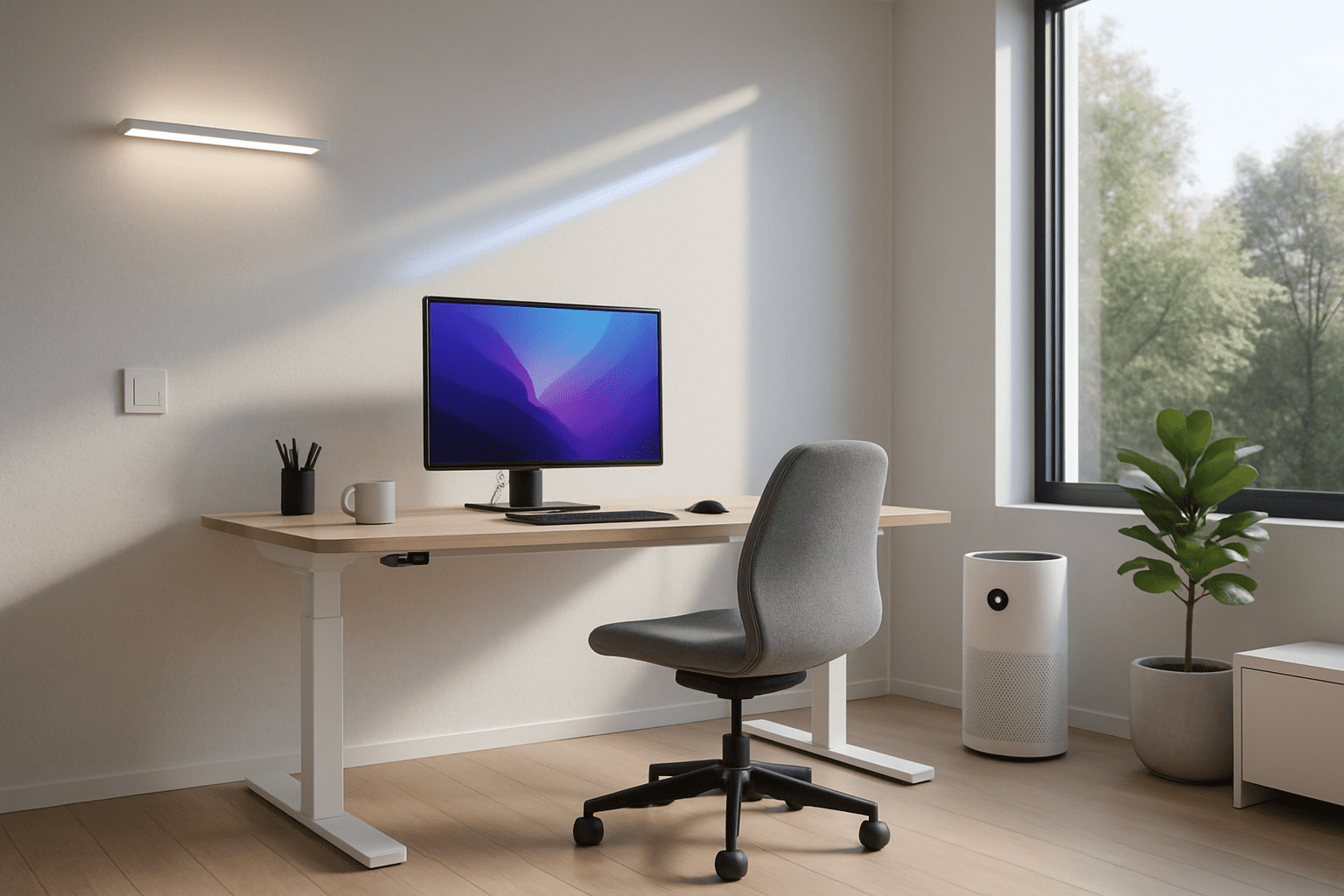
Automation also shines in ergonomics. A smart sit‑stand desk and intelligent chair can coach better posture and movement, while a connected air purifier keeps the space fresh. These elements protect long‑term health while making workdays more comfortable.
- Sitting/standing cycles that gently remind users to change position.
- Chair posture alerts when sensors detect excessive slouching.
- Air purifier automations based on particulate levels or pollen forecasts.
- Climate scenes that cool slightly during intense focus hours.
The Parkers’ office switches to standing mode automatically at 10:30 a.m. and 3:00 p.m.; the desk quietly rises unless someone taps a “skip” button. At the same time, the air purifier ramps up if windows are closed and outdoor air quality is poor. These small nudges build healthy habits without feeling like nagging.
Security, privacy, and work–life boundaries
With company data and personal devices sharing space, the office deserves special attention to security automation. It also needs clear signals marking when work is “on” and when it’s done, so the room doesn’t mentally follow everyone into the evening.
- Door and window sensors that send subtle alerts during work hours only.
- Auto-locking computers triggered by motion sensors detecting an empty room.
- Camera privacy modes that disable recording when the family uses the room for other purposes.
- End-of-day scenes that turn off monitors, lower lights, and switch to a relaxed ambient color.
In one setup, leaving the office for more than 10 minutes during working hours dims lights to 30%, pauses music, and locks the workstation. After 6 p.m., the same motion rule instead turns the room into a reading nook with warm lighting and no notifications. The space itself helps maintain the line between focused work and true downtime.
With productivity under control, attention can turn to spaces where automation keeps things running smoothly in the background, like the kitchen.
Kitchen and Dining Automation Ideas for Effortless Daily Routines
The kitchen is the engine room of the home, full of repetitive tasks and time‑sensitive steps. Automation here focuses on safety, timing, and organization. Connected appliances and sensors can help prevent accidents, reduce food waste, and coordinate family schedules around meals without constant reminders.
Smarter cooking with connected appliances
Many modern ovens, cooktops, and small appliances now respond to apps or voice control. Linking them to broader home routines turns isolated features into coordinated help. Rather than watching the clock, the system can keep track of timers, temperatures, and safety checks.
- Remote preheating of ovens on the way home, with built‑in safety limits.
- Cook timers announced across smart speakers so nothing burns quietly.
- Automatic shutoff rules if a stove is left on after motion stops for a set time.
- Recipe scenes that brighten counter lights and start a quiet playlist while cooking.
For instance, when the Parkers start a “Dinner Prep” routine from a wall button, under‑cabinet lights turn on, the oven preheats to a commonly used temperature, and their favorite cooking playlist begins at low volume. If the kitchen is empty for more than 20 minutes with a burner active, they receive a phone alert and an audible warning from the nearest smart speaker.
Food management and healthy habits
Smart fridges and scales are evolving from gimmicks into genuinely helpful tools. By tracking what comes in and out of the kitchen, automation can reduce waste and encourage healthier choices without strict rules.
- Inventory reminders when key items like milk or eggs run low.
- Use‑by notifications for foods that are about to expire.
- Portion-aware cooking using smart scales that sync with recipe apps.
- Weekly health summaries that highlight trends like sugar intake or late‑night snacking.
A family might receive a Sunday summary: “You threw away two expired yogurts this week; consider smaller packs” or “Fruit consumption increased three days in a row when a pre‑cut fruit container was placed at eye level and lit with a soft LED.” These gentle, data‑driven nudges turn the kitchen into a quiet wellness coach.
Lighting, blinds, and dining experiences
Beyond pure function, automation in the kitchen and dining area can make meals feel special. Light, sound, and even temperature can shift to match breakfast rush, quiet lunches, or celebratory dinners.
- Breakfast scene that opens blinds, starts the coffee maker, and plays a short news briefing.
- Family dinner mode lowering overhead light intensity and muting distracting notifications.
- Holiday presets with warm, twinkling light colors linked to specific dates.
- Cleanup routines that bump up brightness and start the dishwasher during off‑peak energy hours.
In the Parkers’ home, saying “Let’s eat” activates a scene: the dining lights adjust to a cozy level, phones switch to focus mode, and a playlist that everyone voted on earlier in the week begins. These rituals help transform quick meals into shared moments, supported quietly by the tech in the background.
From there, it’s a natural step to extend smart comforts and safeguards to secondary spaces like bathrooms and kids’ rooms, where good habits and safety are front and center.
Bathroom and Kids’ Room Automation Ideas for Safety, Learning, and Calm
Bathrooms and children’s rooms might not be the first spaces people think of when planning automation, yet they benefit enormously from gentle guidance, safety features, and atmosphere control. In these rooms, technology is at its best when it disappears into the routine, helping kids feel secure and supporting hygiene and health without constant adult supervision.
Bathroom routines that save water and reduce stress
Modern bathrooms can quietly manage water usage, cleanliness, and comfort. With sensors and smart fixtures, short everyday tasks become more efficient and less accident‑prone, especially in households with young children or older adults.
- Motion‑activated lights with different brightness levels for day and night.
- Smart faucets limiting maximum temperature and tracking water usage.
- Pre‑set shower profiles for temperature and duration per family member.
- Humidity-driven fans to prevent mold and foggy mirrors.
One common automation links the fan to both humidity and time: if humidity spikes above a set point, the fan starts automatically and runs until the level returns to normal, then continues for 10 extra minutes. At night, mirror lighting stays low to avoid sleep disruption, triggered only when motion is detected.
Sleep-friendly, playful automation in kids’ rooms
Children’s rooms are perfect places for creative yet calming automation. The aim is to support consistent sleep schedules, foster independence, and maintain safety while still allowing fun and imagination.
- Color‑changing night lights that shift to a specific “sleep color” at bedtime.
- Storytime scenes combining warm lighting with a gentle audio track.
- Smart sound machines that fade out as sleep is detected through motion absence.
- Window and door alerts if they’re opened during quiet hours.
In the Parkers’ house, the kids chose a deep blue hue as their “sleep color.” Every night at 8:30 p.m., lamps gradually transform from playful colors to that calming blue over 15 minutes while an audiobook plays. When no motion is detected for a set period, lights turn off completely and the sound machine switches to a soft white noise, reinforcing the bedtime routine.
Learning, play, and health in children’s spaces
Beyond sleep, kids can benefit from automations that blend learning, responsibility, and clean air. Carefully designed setups empower them rather than overwhelm them, using simple buttons or voice cues they can understand.
- “Tidy-up” button that starts a short song and turns lights playful until toys are put away.
- Homework lighting brighter and cooler to support concentration during study time.
- Air quality alerts that encourage window opening or purifier use when needed.
- Smart toy boxes with gentle reminders if frequently used items go missing.
For example, pressing a wall button labeled with a star triggers “Tidy Time”: colorful lights pulse softly for ten minutes while a favorite song plays. When the time is up, the lights shift to a steady, calm tone. This makes cleaning up feel like a game instead of a chore and uses automation to build positive habits.
By turning bathrooms and kids’ rooms into dependable, nurturing environments, households can then look outward to hallways, entryways, and outdoor areas, where automation focuses on security and welcoming arrivals.
Hallway, Entry, and Outdoor Automation Ideas for Security and Welcome
Transition spaces and the exterior of a home are crucial for safety, access, and first impressions. Automation here centers on knowing who is coming and going, deterring unwanted visitors, and ensuring that no one fumbles for keys or walks into a dark house. These areas are also where different devices – locks, lights, cameras, sensors – work together most visibly.
Entryway lighting, locks, and greetings
The front door is a natural hub for smart locks, video doorbells, and entrance lighting. When these pieces coordinate, returning home becomes smoother and more secure, and guests feel welcomed instead of confused.
- Geofence-based welcome scenes turning on path and entry lights as residents arrive.
- Auto-lock rules that secure doors a few minutes after closing.
- Temporary access codes for visitors, cleaners, or deliveries.
- Doorbell-triggered routines flashing indoor lights for someone with hearing loss.
Take the Parkers: when any adult’s phone enters a defined radius around the house after sunset, the porch light brightens, the hallway lights come on at 30%, and the front door unlocks if it detects their personal code. A video doorbell captures a quick clip of the arrival, stored securely but easy to review if needed.
Outdoor lighting, cameras, and garden care
Outside, automation focuses on balancing security, ambiance, and sustainability. Smart floodlights and cameras can watch for unusual activity, while irrigation systems respond to real weather rather than fixed timers.
- Motion‑activated security lights that brighten only when needed.
- Patio scenes pairing string lights and outdoor speakers for gatherings.
- Weather-aware sprinklers pausing schedules when rain is forecast.
- Perimeter cameras integrated with lights and alarms for layered protection.
One popular setup links motion detection to graduated responses: gentle path lights turn on for minor movement, while repeated motion near doors at odd hours triggers brighter floods and a quiet alert to phones. This avoids constant glare yet responds clearly when something seems off. Meanwhile, the sprinkler system checks soil moisture and local forecasts before watering, cutting waste on rainy days.
Whole‑home goodnight and away scenes
Finally, entry and outdoor systems often act as triggers for whole‑home scenes. Instead of visiting each room at night or before trips, a single “house state” can be set, and all rooms respond accordingly.
- “Goodnight” scenes that lock doors, arm alarms, dim indoor lights, and set thermostats.
- “Away” mode simulating occupancy with randomized lighting.
- Garage automations confirming doors are closed and chargers are scheduled.
- Notification policies that only escalate alerts when the house is marked away.
For the Parkers, a bedside switch triggers Goodnight: all nonessential lights switch off, bedroom lamps dim, exterior security lights arm, doors lock, and cameras move from low‑key monitoring to full recording. If everyone leaves the house, an Away scene takes over, running lights inside occasionally to make the home look occupied and sending more detailed notifications for unusual events.
Seen together, these ideas show how every room – and the spaces between them – can be woven into a single responsive environment that quietly looks after comfort, safety, and joy.
What is the easiest place to start automating a home?
Most households get quick wins by starting with lighting and a few smart plugs. Replacing a couple of key switches or bulbs lets you create simple schedules, motion‑based hall lights, and voice‑controlled scenes without major rewiring. Once those feel natural, it becomes easier to add thermostats, locks, and sensors room by room.
Do I need a dedicated smart home hub for these automations?
Many devices work directly with platforms like Google Home, Alexa, or Apple Home, but a dedicated hub or controller often makes complex routines smoother and more reliable. It can connect different brands, run local automations even if the internet is down, and coordinate advanced rules that involve multiple rooms and triggers.
How can automation improve home security without feeling intrusive?
Thoughtful security automation uses layered, context‑aware responses. Instead of cameras recording constantly or lights blasting all night, motion and time of day guide behavior. For example, lights may gently turn on with minor motion but only trigger alarms or recordings when patterns suggest a real risk, such as repeated activity near doors while everyone is away.
Is home automation really energy efficient, or just convenient?
Used well, automation significantly improves efficiency. Lights turn off automatically in empty rooms, fans cool before air conditioning kicks in, and thermostats adjust based on presence rather than fixed schedules. Smart sprinklers respond to real weather instead of rigid timers, and energy reports highlight waste, making it easier to tweak habits over time.
Can renters use these room-by-room automation ideas?
Yes. Renters can focus on plug‑in devices and wireless accessories: smart bulbs, portable switches, battery‑powered sensors, smart speakers, and standalone blinds that don’t require drilling. These can be taken along when moving, so the investment stays with the household instead of the building.