
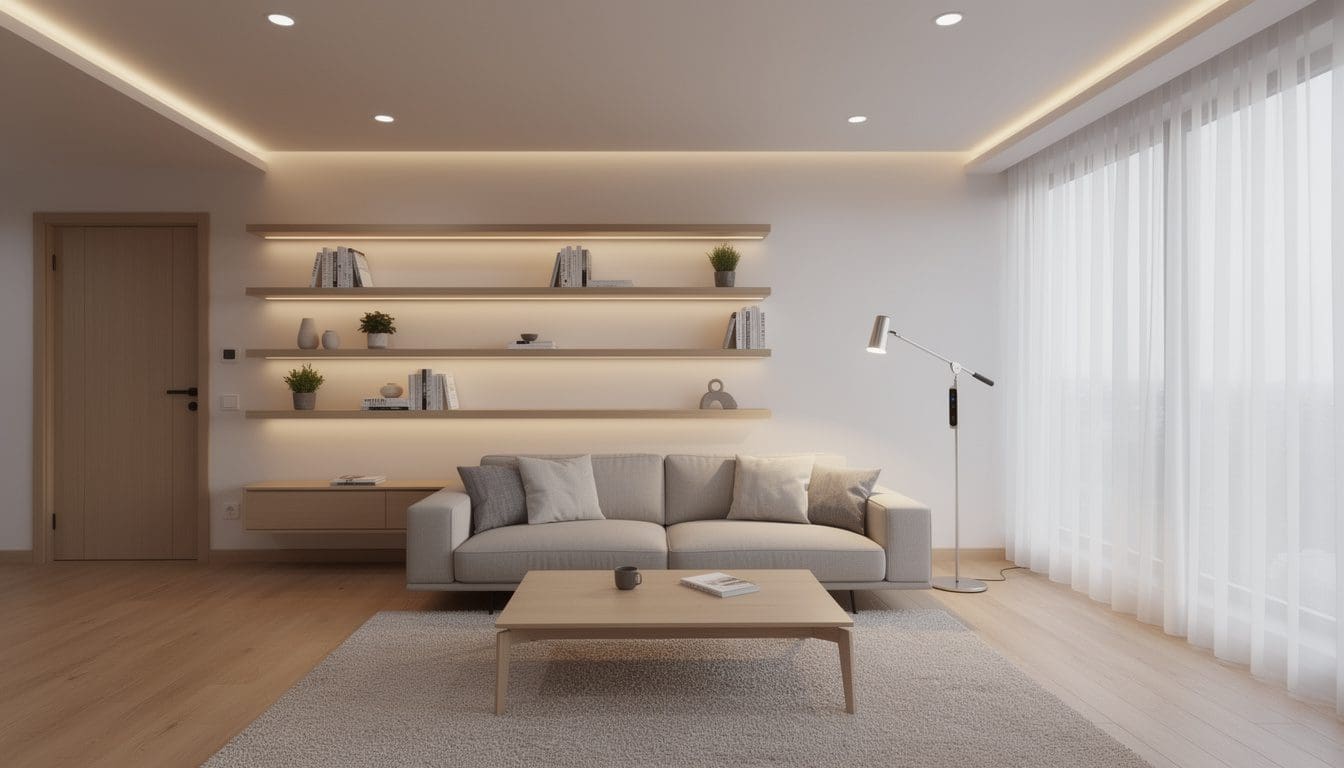
Smart lighting has become one of the most accessible ways to turn a compact apartment into a comfortable, efficient, and genuinely exciting living space. With connected bulbs, switches, LED strips, and plugs, a small studio can shift from bright “focus mode” to soft “movie night” in seconds. Wireless technologies like Wi‑Fi, Zigbee, Z‑Wave, Bluetooth, and now Matter mean that even renters can enjoy automation, voice control, and energy savings without drilling holes or rewiring the whole place. The result is a home that feels more responsive and human, where light adjusts to time of day, mood, and routine rather than staying stubbornly static.
Imagine a young couple in a one‑bedroom apartment: mornings start with warm, gentle light that gradually brightens to help them wake up; afternoons are lit with cooler tones for productivity; evenings fade to cozy ambers for reading or dinner. Their entryway light switches on automatically as they open the door, hallway lamps mimic occupancy when they’re away, and every lamp can be controlled with a single phrase to a voice assistant. This is not a luxury reserved for huge houses anymore. Practical guides like beginner‑friendly smart lighting setups for apartments show how anyone can assemble a system step by step. With a little planning, smart lighting turns even the smallest flat into a flexible environment that supports sleep, concentration, and relaxation in equal measure.
Smart lighting essentials for small apartments: bulbs, strips, switches, and plugs
A strong smart lighting setup for apartments starts with understanding the main building blocks: smart bulbs, LED strips, switches, and plugs. Each plays a different role, and mixing them wisely makes a compact home feel layered and adaptable instead of cluttered. In a tiny space, every fixture has to work hard, so thoughtful choices matter more than sheer quantity.
Smart bulbs are usually the first stop. They screw into existing lamps or ceiling fixtures and connect via Wi‑Fi, Zigbee, Z‑Wave, or Bluetooth. Many support millions of colors, tunable white from cool “daylight” to warm “candlelight,” and dimming without extra hardware. This flexibility lets a single bulb serve as bright task lighting at 7 a.m. and a soft, amber nightlight at 11 p.m. Guides like step‑by‑step tutorials on setting up smart lights walk through pairing these bulbs with apps or hubs for easy control.
For renters worried about altering wiring, smart plugs are a quiet hero. They turn regular table or floor lamps into connected lights that can be scheduled, grouped, and turned on remotely. They are especially useful in narrow hallways and bedrooms where there may be only one wall outlet in an awkward spot. A plug behind a sofa can control a standing lamp and even a small decorative string light, without any permanent changes to the apartment.
- Smart bulbs – best for color, precise dimming, and flexible scenes per lamp.
- Smart switches – ideal when a single switch controls many ceiling lights.
- LED strips – great for accent lighting under cabinets, behind TVs, or along shelves.
- Smart plugs – perfect for plug‑in lamps and avoiding any rewiring.
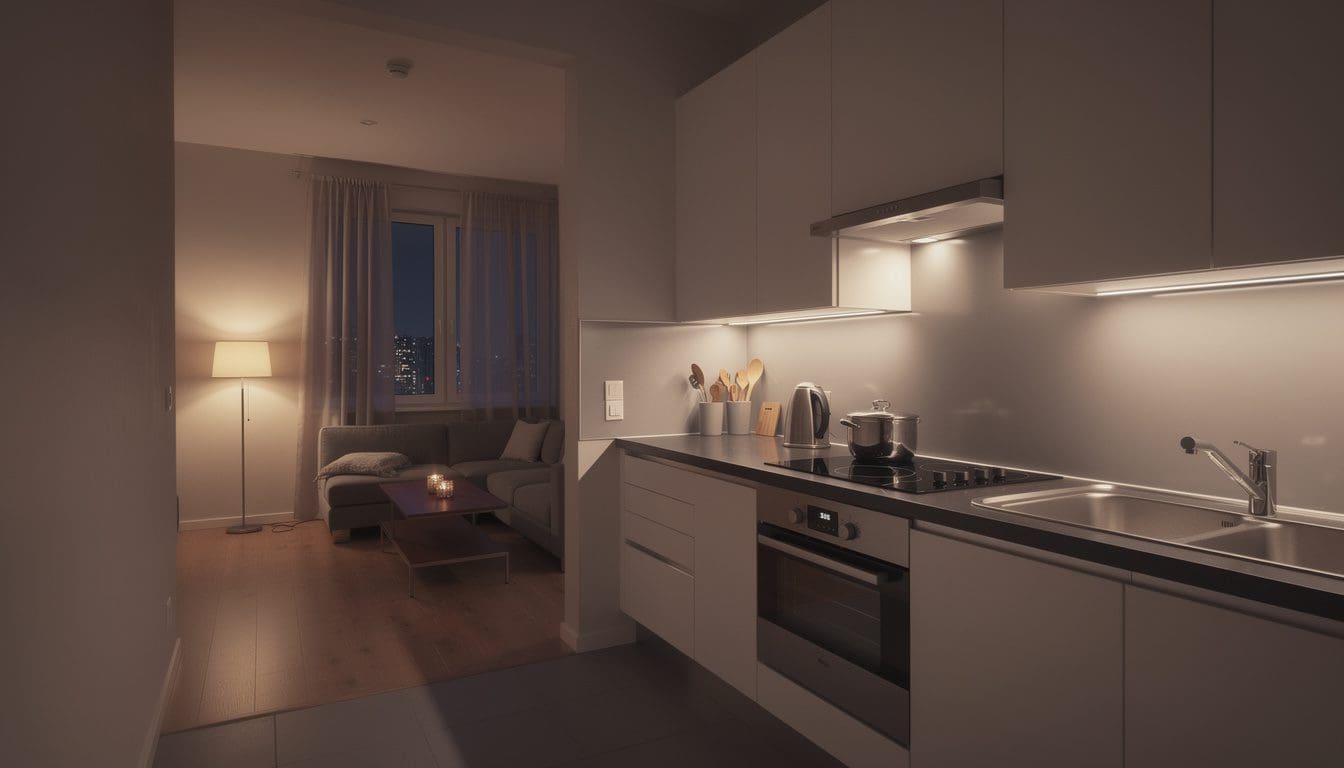
Smart LED strips solve a common apartment problem: how to add ambience without taking up physical space. Thin and adhesive‑backed, they can tuck under kitchen cabinets, behind a TV, or along a bookshelf. A small studio can instantly feel more “zoned” when cabinets glow softly while the main ceiling light stays off. Articles like smart lighting explained for modern homes highlight how strips create depth and visual interest without overwhelming a room.
Switches and dimmers come into play when a ceiling fixture is used constantly, such as in the living area or kitchen. Replacing a traditional wall switch with a smart one gives app and voice control over the entire fixture, even if the bulbs are ordinary LEDs. In a two‑room apartment, one smart dimmer for the living area and another for the kitchen can coordinate “all‑off” bedtime scenes or “welcome home” lighting. For deeper technical details, many residents consult resources like step‑by‑step smart home lighting setup guides that explain compatibility, hubs, and protocols.
Consider the example of Maya, who lives in a compact loft with only three main light points and two floor lamps. With two color smart bulbs, a short LED strip under her wall‑mounted shelves, and two lamps on smart plugs, she builds four core scenes: “Focus,” “Dinner,” “Movie,” and “Nightlight.” Each mode changes color, brightness, and which lamps are on. She never touches the physical switches anymore, but if guests prefer wall control, the switches still act like normal. The apartment feels multifaceted rather than cramped, which is the real power of smart lighting in smaller homes.
In short, understanding how each device type behaves lets residents design a system that fits the constraints of rental living while still feeling sophisticated and future‑ready.
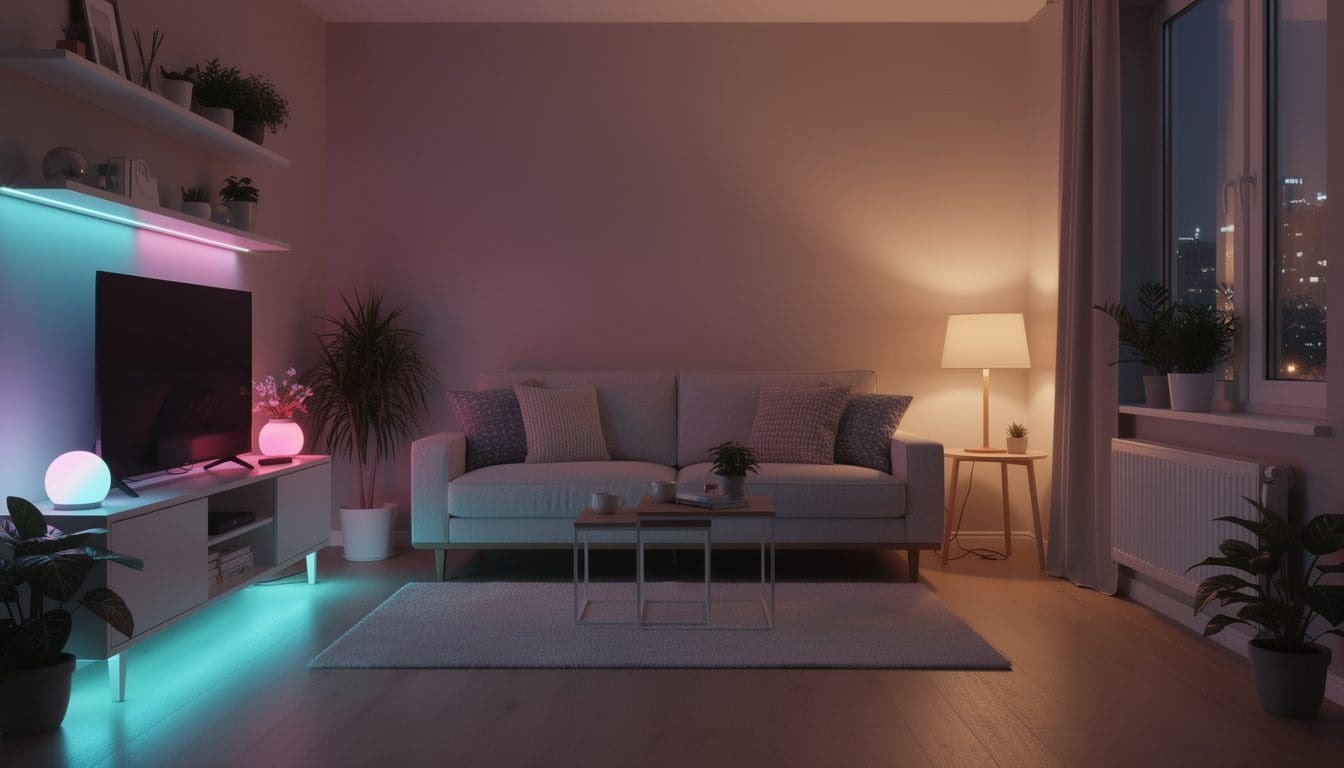
Designing renter‑friendly smart lighting scenes and automations
Once the basic devices are in place, the real magic comes from scenes and automation. Instead of thinking in terms of individual lamps, apartment dwellers can think in terms of activities: reading, cooking, hosting friends, studying, or unwinding. Each activity gets its own combination of brightness, color, and timing. This approach is especially powerful in homes where the living room doubles as office and cinema.
One of the most effective strategies is to map out the day in simple stages and design light for each. A typical weekday in a one‑bedroom could look like this:
- Wake‑up scene: bedroom lamp slowly brightens over 15–20 minutes with warm white light.
- Work/Study scene: cooler, brighter light in the living or desk area to keep focus sharp.
- Evening wind‑down: dimmer, warm light in living and bedroom to signal rest.
- Nightlight: very low, amber hallway or bathroom lighting for safe movement at night.
Most major smart lighting apps make these routines easy to set up with time‑based schedules or sunrise/sunset triggers. Adding a motion sensor near the entrance can also make arriving home after dark feel welcoming, with hallway and living lights turning on automatically. Resources like how to set up and control your smart lighting system illustrate how scheduling and automation can drastically cut unnecessary energy use.
Scenes don’t need to be complicated to be transformative. For a studio apartment, a simple trio of presets can make a big difference:
- “Bright & Clear” – all main bulbs at 100%, cool white for cleaning or heavy studying.
- “Soft & Social” – ceiling lights dimmed, warm whites or gentle colors for guests.
- “Screen Time” – only backlighting from LED strips and a dim floor lamp to reduce glare.
In one case study from a student share, three roommates used a single LED strip behind the TV and two table lamps with smart bulbs to create a “gaming night” mode. With one command, the main ceiling light switched off, the strip turned deep blue, and the side lamps glowed at 20% amber. The shared space suddenly felt like a dedicated gaming lounge, even though nothing permanent had been installed.
For residents who want to go further, professional‑style zoning is now within reach using affordable platforms and hubs. Articles such as step‑by‑step intelligent lighting guides explain how to group devices by room or function. In a typical apartment, that might mean zones like “Entry,” “Kitchen prep,” “Sofa area,” and “Bedside.” Each can be controlled independently or together through one master scene like “Leaving Home” that shuts everything off and maybe even lowers smart blinds or adjusts a thermostat.
Light also has a powerful psychological effect. Warmer tones in the evening support a healthier sleep rhythm, while bright, cool light during the morning can increase alertness. A mindful lighting plan helps shift the brain between “on” and “off” modes even if the desk is only two meters from the bed. Many design‑focused sites, including specialists in lighting for small apartments, emphasize layering: mixing ambient, task, and accent light to give a sense of depth and comfort.
By translating everyday routines into groups of lights and colors, renters gain a sense of control that goes beyond simple on/off switches. Light becomes a quiet coach that nudges them toward better habits, whether that’s going to bed earlier, focusing better, or taking time to relax in a space that feels truly theirs.
Choosing protocols, apps, and platforms for an apartment‑friendly smart lighting ecosystem
A smart lighting system doesn’t live in isolation; it’s part of a wider smart home ecosystem that may include locks, speakers, thermostats, and sensors. For apartment dwellers, the challenge is picking protocols and platforms that are reliable in smaller spaces, easy to expand, and still flexible if they move. Wi‑Fi bulbs are often the easiest entry point: they connect directly to the router with no extra hub, which suits students or first‑time renters who want to plug in and go.
However, a large cluster of Wi‑Fi devices can strain a modest router. That’s where Zigbee, Z‑Wave, and Thread come into play. These lower‑power protocols create mesh networks, where each powered device helps relay the signal to the next. In a long, narrow apartment with thick walls, a mesh network can mean more reliable responsiveness. Educational resources like comprehensive smart lighting guides break down the differences between these standards and show how hubs keep everything talking smoothly.
Another key decision is the main control platform. Many residents already own an Alexa, Google Nest, or Apple HomePod speaker, which can become the natural “command center.” New standards such as Matter aim to make different brands cooperate better, so bulbs, switches, and plugs from various manufacturers can still appear in one app. This is especially useful for renters who gradually upgrade their kit over several years instead of buying everything at once.
- Wi‑Fi: simple setup; best for a few bulbs and plugs in smaller spaces.
- Zigbee / Z‑Wave: more reliable for larger or denser setups; requires a hub.
- Thread & Matter: modern, low‑latency, designed for cross‑brand compatibility.
Many modern apartment communities are also offering built‑in smart lighting infrastructure. Hardware solutions such as those described in smart lighting for multifamily apartments show how property owners can install dimmers, switches, and hubs that residents then control through a single app. For tenants, this means arriving in a home that already supports routines like “Goodnight” or “Showing Mode,” where lights in vacant units automatically showcase the space and switch off after tours.
Individual renters can mirror this idea on a smaller scale. A basic yet powerful toolkit might include:
- Two to four color‑capable smart bulbs in the most used lamps.
- One or two smart plugs for decorative or bedside lighting.
- A compact hub or voice assistant speaker to centralize control.
- Optional motion sensor near the entry or hallway for hands‑free activation.
Stories from early adopters reveal that the most common regret is buying devices that cannot talk to each other. That’s why many rely on comparison sites and practical explainers like guides on turning an apartment into a smart home before investing heavily. Ensuring everything uses compatible standards prevents frustration later and allows the system to grow gradually, one lamp or switch at a time.
Choosing the right combination of protocols and platforms is less about technical perfection and more about fit: the goal is a system that feels effortless, never intimidating, and ready to move with its owner from one apartment to the next.
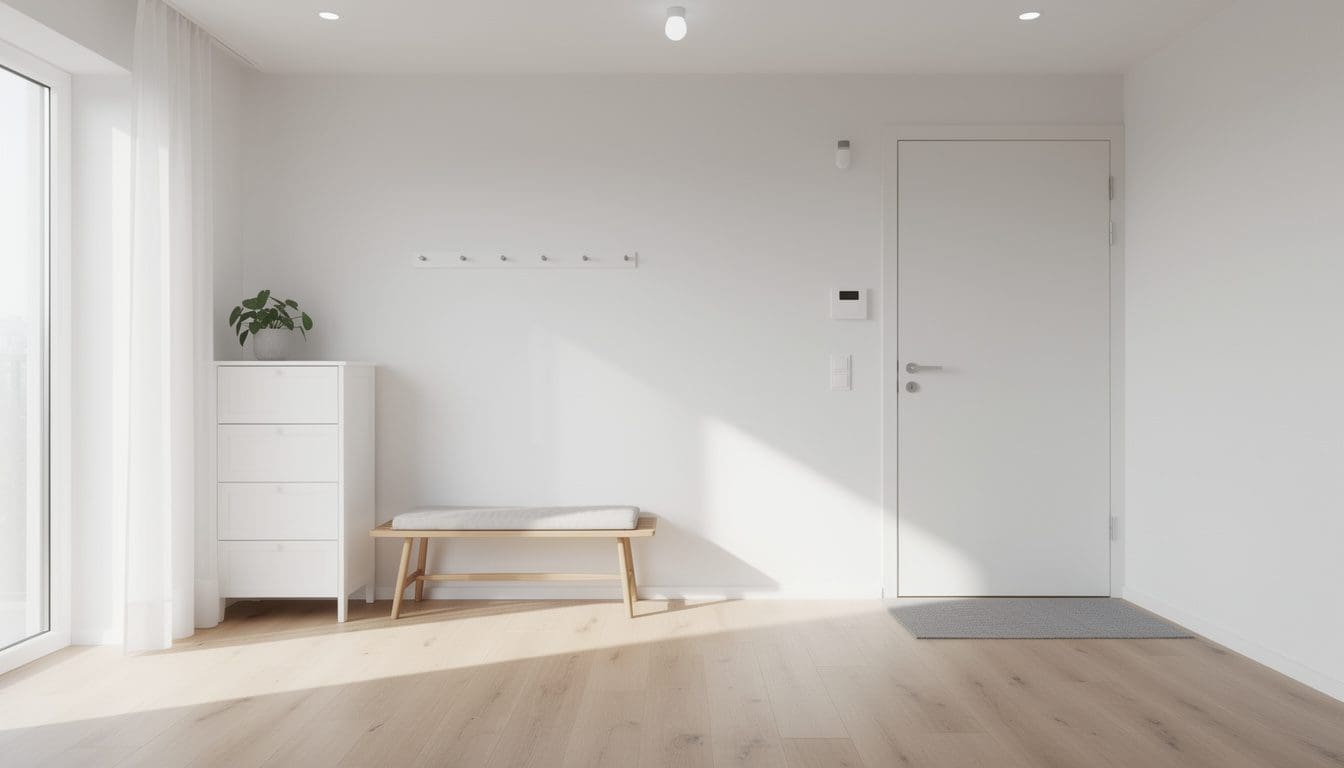
Practical smart lighting layouts and energy‑saving tips for real apartments
Knowing the hardware and platforms is only half the story; the other half is figuring out where to place smart lights and how to use them efficiently in real‑world layouts. Most apartments fall into a few patterns—studio, one‑bedroom, or railroad‑style—and each benefits from a slightly different lighting plan.
In a studio, it helps to think in “zones” rather than rooms. The bed, desk, sofa, and kitchenette might all share one large open area, so smart lighting has to simulate walls that don’t physically exist. A typical layout might include a warm bedside lamp on a smart plug, a bright white lamp on the desk with a smart bulb, and an LED strip beneath the kitchen cabinets. With these three elements grouped into different scenes, the same square meters can feel like a calm bedroom at one moment and a focused office the next.
One‑bedroom apartments add a bit more flexibility. The bedroom can become a sanctuary with tunable white bulbs that shift from morning brightness to soft nightlight. The living room can host more adventurous colors for parties or movie nights. Thoughtful placement of a single smart switch in the hallway or entry can coordinate all other lights, acting as a “master” control point for arriving or leaving.
- Place task lighting (desk lamps, under‑cabinet strips) where concentration is needed.
- Use accent lighting (behind TV, shelves, artwork) to create depth without clutter.
- Reserve overhead fixtures for general brightness and cleaning days.
Energy savings are another major advantage. Because most smart bulbs are LED, they already draw far less electricity than old incandescent lamps. Automation multiplies these savings by turning off lights in unused rooms, dimming during daylight, and avoiding the common habit of leaving everything on. Many platforms provide energy reports that show how often each light is active, turning awareness into action.
One effective strategy is to set subtle “off” rules in the background. For instance, a hallway light could switch off automatically after ten minutes of no motion, while the living room scene might dim to 40% at midnight on weekdays. Over months, these tiny tweaks translate into lower bills and less wasted power. Practical articles such as detailed smart lighting setup tutorials often highlight how dimming alone can cut consumption dramatically without sacrificing comfort.
Security and peace of mind also improve. Timed lighting that mimics occupancy can make an apartment look lived‑in when residents are traveling. A “vacation” routine might randomly switch on a living room lamp in the evening and a bedroom light for a short time at night. Unlike simple mechanical timers of the past, these patterns can be tweaked remotely from a phone if travel plans change, reducing the anxiety of leaving a dark, obviously empty home.
- Create a “leaving home” scene that turns off all interior lights with one tap.
- Use sunset‑based schedules so lights follow seasonal changes automatically.
- Combine motion sensors with entry lights to avoid fumbling for switches.
Real‑life examples show how impactful this can be. In one shared apartment, three roommates agreed on basic house rules, then encoded them into lighting: kitchen lights off at 11 p.m., gentle bathroom nightlight after midnight, and a bright “cleaning mode” every Sunday afternoon. Arguments about who left the lights on simply disappeared. The apartment felt more organized without anyone policing anyone else.
For those who want more inspiration, resources like apartment‑focused smart lighting guides provide sample floor plans and suggested fixture placements. These examples are especially helpful for visual learners who like to see diagrams of where a strip, bulb, or switch might go in a typical layout.
Ultimately, the smartest lighting layout is the one that quietly supports daily life: it brightens when concentration is needed, softens when it is time to rest, and fades away when the last person leaves. When light is tuned to real routines instead of fixed furniture, even the most modest apartment can feel thoughtfully designed and wonderfully alive.
How many smart bulbs does a small apartment really need?
Most small apartments work well with 3–6 smart bulbs to start. Focus on the lights that affect daily routines the most: living room main fixture or lamp, bedroom bedside lamp, and any desk or kitchen task light. You can expand later with LED strips and extra bulbs once your core scenes feel right.
Can renters install smart switches without violating their lease?
Smart switches usually replace existing wall switches and involve wiring, so tenants should always check the lease and, if necessary, get permission from the landlord. In many cases, landlords approve as long as installation is safe and reversible. If permission is uncertain, using smart bulbs and smart plugs is a safer, fully reversible option.
Do smart lights still work if the internet goes down?
Most smart lights continue to operate via physical switches even if the internet is offline. Many systems also allow control over Bluetooth or a local network, so basic on/off and some scenes still function. Cloud‑based features like remote access from outside the apartment may pause until the connection returns.
Are smart lighting systems complicated to maintain?
Once set up, smart lighting usually needs very little maintenance. Occasional app updates, firmware upgrades, or Wi‑Fi password changes are the main tasks. LED smart bulbs often last tens of thousands of hours, so replacements are infrequent, and scenes or routines can be adjusted with a few taps instead of hardware changes.
Is it worth using both smart bulbs and smart plugs together?
Yes, combining smart bulbs and smart plugs offers more granular control. Smart bulbs handle color and dimming for key fixtures, while smart plugs let you automate floor lamps, decorative lights, and seasonal string lights without replacing bulbs. Together they create layered lighting that feels sophisticated without major renovation.