
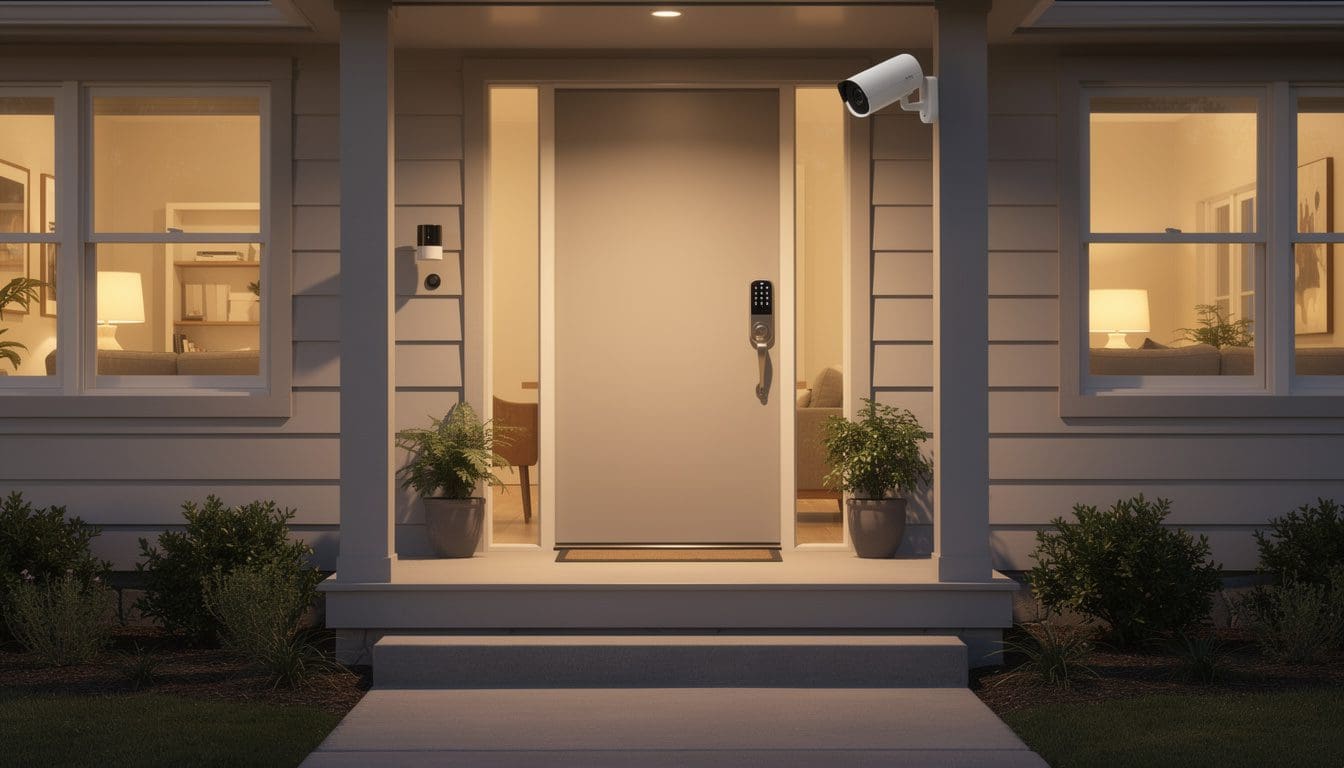
Smart home security has gone from science fiction to supermarket shelf in just a few years, and that rapid change leaves many people unsure where to start. Families want to feel safe, check in on their homes from a phone, and avoid paying for complicated gear they do not understand. At the same time, marketing promises “AI-powered protection” and “next‑generation automation,” which may sound impressive but rarely answers the basic question: what does a beginner actually need to stay secure without feeling overwhelmed? The reality is far more encouraging than the ads suggest. With a small set of carefully chosen devices and a clear plan, even a non‑technical household can build a reliable security setup over a weekend. The key is to separate useful features from noisy extras and to think like a practical homeowner, not like a gadget collector.
Imagine a typical family like the Parkers in a suburban home. They are not techies, they have a reasonable budget, and they mostly want to know three things: who is at the front door, whether anyone is sneaking around outside, and if the doors are locked at night. For people like them, and for most beginners, the smartest approach is to focus on a handful of core tools: a video doorbell, motion sensors, a smart lock, a hub to coordinate everything, and smart lighting to make the home look lived‑in. Around this backbone, extra devices such as indoor cameras or smart plugs can be added as confidence grows. Resources like specialized smart home guides and step‑by‑step tutorials make it easier than ever to understand the basics without drowning in jargon. The following sections unpack each element in a clear, enthusiastic way so anyone can picture how a starter system would work in daily life.
Smart Home Security Basics For Beginners: Focus On What Matters
The world of smart home security can look chaotic from the outside: dozens of brands, cryptic acronyms, and price tags that seem to jump from budget‑friendly to eye‑watering in a single click. Underneath the chaos lies a simple truth: most beginners share the same core goal. They want to know what is happening at home when they are away, they want alerts that actually matter, and they want to set everything up without an engineering degree. Once this goal is clear, it becomes obvious that a small toolkit of devices is enough to cover almost every common situation.
Smart home security sits inside the broader world of home automation. In simple terms, home automation means using connected devices to control and monitor things like lights, locks, cameras, and appliances. Anyone who wants a broader overview of this universe can explore detailed explanations such as what home automation really is and how it works, but for security beginners, the important part is this: these devices talk to each other and to your phone through your home network, letting you see, react, and sometimes even prevent problems before they escalate.
Instead of wading through every possible gadget, it helps to start with a clear checklist of outcomes rather than products. A sensible starter system answers questions like:
- Who is at my front door? (video doorbell)
- Is anyone moving around outside when no one should be there? (motion sensors and lights)
- Are my main doors locked? (smart lock status and alerts)
- Can I control and check everything from one app? (hub or unified ecosystem)
- Does my house look occupied when I travel? (smart lighting and simple automations)
Once these questions are covered, extra add‑ons—such as indoor cameras, sirens, or advanced automations—become optional upgrades instead of urgent purchases. This mindset prevents one of the most common beginner mistakes: buying a giant bundle, installing half of it, getting confused by constant notifications, and eventually ignoring alerts altogether.
Another reason to start small is psychological. There is a real confidence boost when a new user receives their first useful notification: a package delivered, a child arriving home from school, or lights turning on automatically at dusk. That immediate success encourages people to explore further, experiment with more scenes, or maybe add a new sensor later. Without that early win, it is easy to give up. Smart home security for beginners works best when each step feels like a clear improvement rather than a chore.
Beginners also worry—understandably—about the difficulty of installation. Modern systems are deliberately built to be approachable. Wireless sensors use adhesive strips. Apps walk users through pairing devices with on‑screen prompts. Many brands include QR codes that, when scanned, add a new gadget to the system almost instantly. The most “difficult” part is often choosing good device placement, not configuring the hardware itself. By recognizing that the technical barrier is lower than it appears, new users can focus attention on designing a sensible layout and habits around the technology, which is where the real security gains come from.
This foundation naturally leads to the next big question: among all possible gadgets, which ones deserve a place in a starter setup? Before diving into detailed gear recommendations, it helps to visualize how the first device—the video doorbell—can transform the way a household experiences visitors, deliveries, and unexpected activity at the front entrance.
Best Smart Home Security Devices For Beginners: Doorbell, Sensors, Lock, Hub, Lights
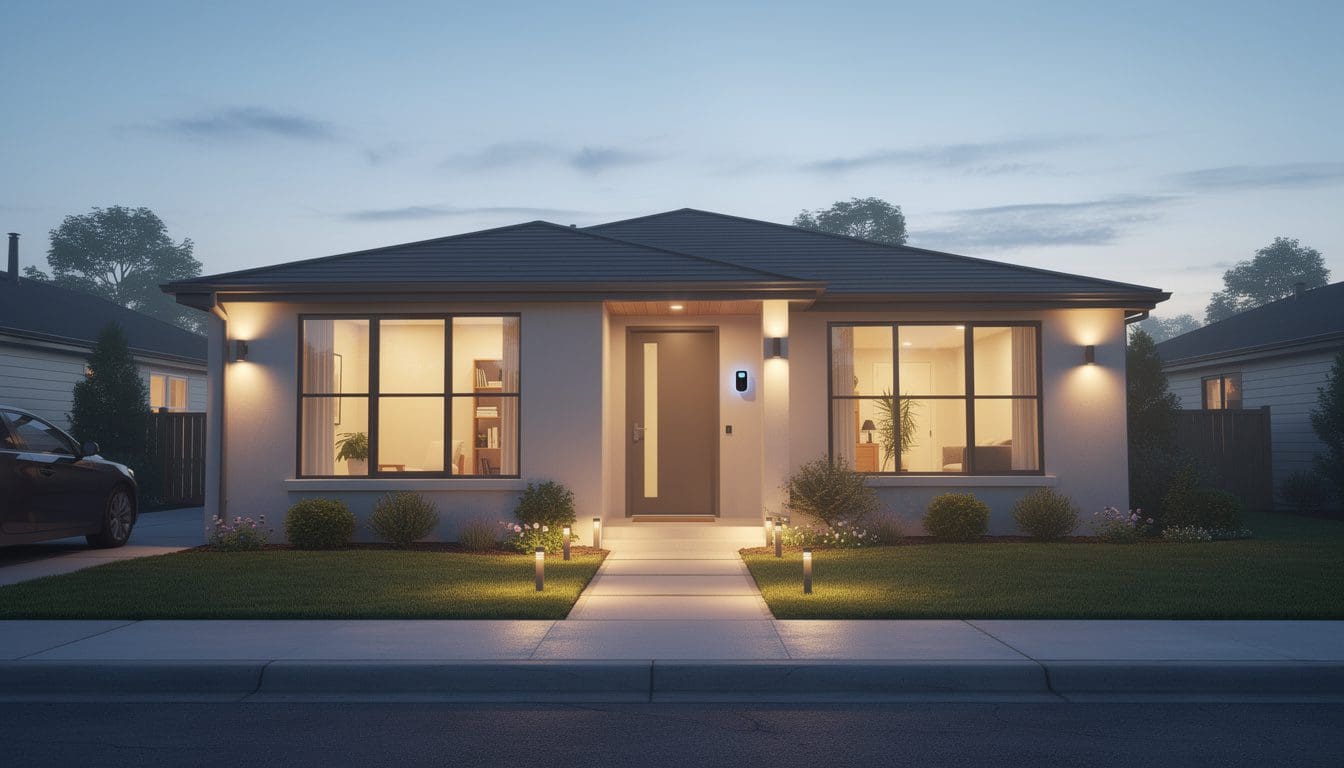
A beginner‑friendly system does not need twenty devices scattered around every corner of the property. In practice, five categories of equipment provide a strong, flexible foundation: a smart doorbell, motion or contact sensors, a smart lock, a coordinating hub or control center, and smart lights. Together, they create layers of awareness and deterrence without demanding constant tinkering.
Smart Doorbell: Front Door Visibility And Deterrence
The smart doorbell is usually the MVP of a starter security setup. Connected to Wi‑Fi, it streams live video and sends notifications when someone presses the button or even approaches the porch. That means no more guessing who is at the door or worrying about unattended packages on the steps. It also means a clear visual record if something suspicious happens.
When evaluating models, new users should focus on a few essentials rather than every technical number:
- Reliable motion alerts that actually reach the phone quickly.
- Decent night vision so faces and packages are visible after dark.
- Cloud or local video storage that is easy to access later.
- Weather resistance suitable for the local climate.
Case in point: when the Parker family finally installed a video doorbell, the very first weekend they caught a delivery being left in an odd corner where it was not visible from the street. A neighbor later mentioned seeing someone slow down near the house, but the bright blue light on the doorbell and the visible camera lens were enough to send the curious stranger moving along. That simple visible deterrent often matters as much as the footage itself.
Motion Sensors And Contact Sensors: Early Warning Network
After the doorbell, sensors dramatically expand awareness. Motion sensors detect movement where no one should be, such as side yards, back patios, or dark driveways. Contact sensors monitor when doors or windows open, even if the visitor tries to avoid the front entrance. These devices are inexpensive, battery‑powered, and normally attach to surfaces using peel‑and‑stick pads.
Strategic placement can turn just a few sensors into a wide safety net:
- One motion sensor angled toward the driveway or front path.
- A second watching the back patio or garden gate.
- Contact sensors on the main entry door and perhaps a sliding glass door.
- An extra sensor for a frequently used downstairs window if it is hidden from the street.
Because sensors only send alerts, not video, they work well even in spots where cameras would feel intrusive, such as a back door opening into a neighbor’s view. They also react in complete darkness, which makes them an ideal partner for lighting and cameras that then respond to the trigger.
Smart Locks: Control And Convenience At The Door
Adding a smart lock shifts security from passive observation to active control over who can enter. With a connected lock, doors can be secured or opened through an app, code keypad, or sometimes fingerprint. Many models record a simple history log—who unlocked the door and when—which is especially useful when children come home from school or a dog walker visits at midday.
New users sometimes hesitate at the idea of replacing a lock, but modern designs are made for straightforward installation. Some only replace the indoor thumb turn, keeping the existing exterior keyhole. Others swap the entire deadbolt but include step‑by‑step visual guides. For renters, there are latch‑style or retrofit options that can be removed without leaving marks, which is crucial in apartments or short‑term leases.
- Pros: no key copying, remote access, and clear entry logs.
- Cons: relies on batteries, may require a bit more setup time, and costs more than sensors.
- Best moment to add: after basic camera and sensor coverage feels comfortable.
This balance of security and daily convenience is often what hooks people on smart home gear; the first time someone locks the door from bed after forgetting earlier, it stops feeling like a gadget and starts feeling like a normal part of life.
Hub Or Control Center: The Brain Behind The Scenes
While some beginners survive happily with a few standalone apps, a smart home hub pulls everything into a single, more reliable system. It connects devices using protocols like Wi‑Fi, Zigbee, or Z‑Wave and enables simple automations such as “if the last family member leaves, lock the doors and arm the sensors.” For anyone curious about the differences between hub types and why they matter, guides like smart home hubs explained in plain language are invaluable.
The advantages of a hub become obvious over time:
- One app to manage scenes, schedules, and alerts.
- Local processing for some tasks, so everything does not stop if the internet hiccups.
- Better expansion as new devices from different brands join the home.
Even a modest, affordable hub can transform a handful of devices into a coordinated security team instead of isolated gadgets.
Smart Lights: Simple Yet Powerful Deterrent
Finally, smart lights bring both security and comfort. Well‑placed, automated lighting makes a home look active even when empty, which is one of the oldest and most effective ways to discourage intruders. Now, instead of mechanical timers that repeat the same pattern, lights can follow sunrise and sunset, randomize slightly, or respond directly to motion sensors.
Smart bulbs can be paired with lamps, while smart switches control built‑in fixtures like porch lights. For an extra dose of flexibility, smart plugs let users automate almost any lamp or small appliance without rewiring. A single outdoor light configured to switch on when the driveway sensor triggers can feel like a spotlight suddenly snapping on, which sends a clear message to anyone sneaking around the property: someone is paying attention.
Together, these five device categories form the backbone of smart home security for beginners. Once they are in place, the next challenge is stringing them together into a system that acts as a quiet digital guard, not a noisy distraction, which is where hubs, routines, and voice assistants enter the picture.
How To Build A Beginner Smart Home Security System Step By Step
Turning a pile of boxes into a working security system can feel intimidating until the process is broken down into clear, manageable steps. The best strategy is to build in layers, testing each part before adding more complexity. This approach keeps frustration low and helps everyone in the household learn how the new tools behave in normal life.
Step 1: Strengthen The Front Door First
The front entrance is more than just a physical entry point; it is the part of the home that visitors, delivery drivers, and would‑be intruders all interact with. Starting here gives immediate benefits. Install the smart doorbell and, if possible, a contact sensor on the main door itself. During setup, walk through these checks:
- Confirm Wi‑Fi strength at the door using a phone speed test.
- Adjust motion zones so passing cars or pedestrians do not send constant alerts.
- Test two‑way audio to ensure clear sound in both directions.
- Trigger a test event by pressing the bell and opening the door repeatedly.
This simple procedure lets everyone practice answering from their phones, naming the device in the app, and seeing how notifications appear. Once the family is comfortable with front‑door interactions, it becomes natural to extend coverage beyond that first point.
Step 2: Map Out The Vulnerable Areas
Before unpacking other gadgets, it is helpful to walk around the property—inside and out—and identify weak spots. Ask questions such as: Which entry points are hidden from neighbors? Which windows stay cracked open on hot nights? Where would someone lurk without being seen from the street? Mark these areas mentally or even with sticky notes.
Typical locations that deserve early attention include:
- Side gates or paths that run alongside the house.
- Ground‑level windows near tall shrubs or fences.
- Back doors that open into a secluded yard.
- Basement entrances or garage side doors.
Motion sensors and contact sensors can then be placed with intention rather than guesswork. Many apps allow live testing mode, where the sensor flashes or sends quick pings whenever it detects movement or opens, which is an excellent way to fine‑tune angles and positions before final mounting.
Step 3: Introduce A Hub And Basic Automations
Once doorbell and sensors are functioning well, adding a hub transforms a scattered group of devices into a coherent system. After choosing a hub that supports existing equipment, follow the vendor’s pairing guide and give each device meaningful names such as “Kitchen Window Sensor” rather than cryptic labels.
At this stage, keep automations extremely simple. For example:
- Night mode: at a set hour, the system arms perimeter sensors and turns on a porch light.
- Away mode: when everyone’s phones leave a defined area, doors lock and selected lights switch off.
- Welcome home: when the front door unlocks between certain hours, a hallway lamp turns on.
Helpful inspiration for gentle, beginner‑friendly routines can be found in resources such as automation ideas tailored to different rooms, which show how security can blend naturally with comfort lighting and everyday habits.
Step 4: Add Smart Locks And Fine‑Tune Settings
With the basics in place, introducing a smart lock becomes easier. The household already uses the security app daily, making it natural to add another important device. After physically installing the lock, take time to:
- Create individual codes for each family member rather than sharing one.
- Enable notifications for lock/unlock events during specific hours only.
- Configure auto‑lock delays that match real behavior, such as five minutes after closing.
- Store a backup key somewhere safe outside the immediate home network.
This stage is also a good moment to revisit Wi‑Fi coverage and ensure signals are strong near doors and key sensors. Often, just moving a router to a more central spot or adding a basic mesh node solves intermittent disconnects, which are one of the main sources of frustration for new users.
Step 5: Expand Cautiously With Extras
Only when everything above feels stable should beginners consider additional pieces such as indoor cameras, sirens, or more advanced scenes. The guiding principle is simple: every new device must solve a real, felt problem. If there is no clear use case, it can probably wait.
- Indoor cameras might cover a pet area, nursery, or main living space.
- Additional lights could illuminate a path from driveway to door.
- Smart plugs could turn a lamp on when motion is detected at night.
This measured, stepwise approach prevents overwhelm and keeps the system understandable. It encourages households to learn through small wins—a notification here, a successful remote lock there—turning smart home security from an abstract concept into an everyday ally.
Making Smart Home Security Easy: Hubs, Routines, And Voice Assistants
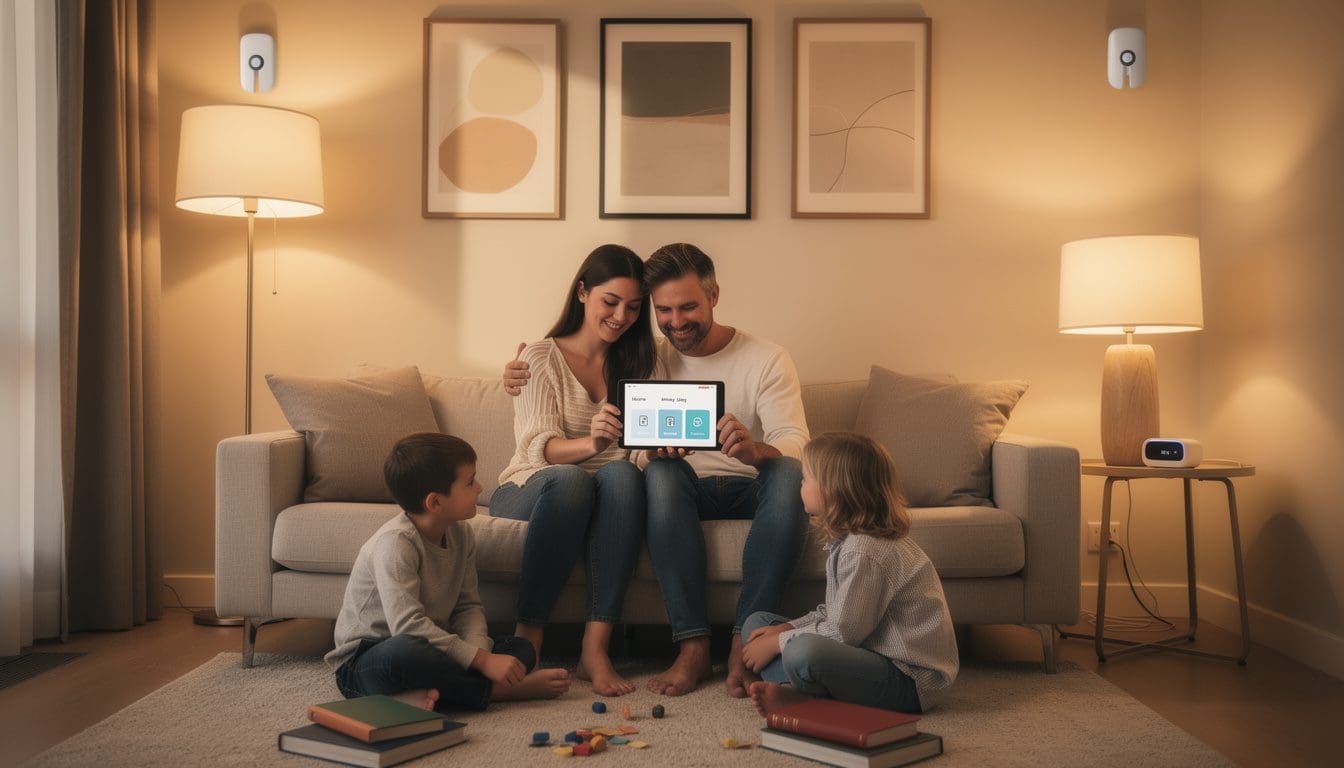
Once the first devices are installed, the real magic of smart home security appears when everything works together. Instead of constantly opening separate apps, users want simple routines: lock up with a phrase, have lights turn on as they arrive, or get a single consolidated alert when something unusual occurs. Achieving that smooth experience depends on three ingredients: a capable hub, thoughtfully designed routines, and whichever voice assistant the household prefers.
Choosing And Understanding A Smart Home Hub
A hub is often described as the “brain” of the smart home, but for beginners, it is more helpful to think of it as a helpful coordinator. It listens to sensors, speaks to lights and locks, and knows when the family is home or away based on phones or schedules. Without a hub, smart devices behave like talented musicians playing different songs in different rooms; with one, they become a band following the same sheet music.
Different hubs support different connectivity standards, yet most mainstream options are designed to be approachable. For a deeper dive into formats, compatibility, and setup, guides like in‑depth hub explanations are especially useful. For a beginner, key criteria include:
- Compatibility with planned or existing doorbells, locks, and sensors.
- User‑friendly app that makes scenes, schedules, and notifications easy to set up.
- Local control options so simple automations still run without constant cloud access.
By centralizing control, the hub becomes the place where “lock door,” “turn off lights,” and “arm system” all become parts of a single, predictable routine.
Designing Helpful, Not Annoying, Routines
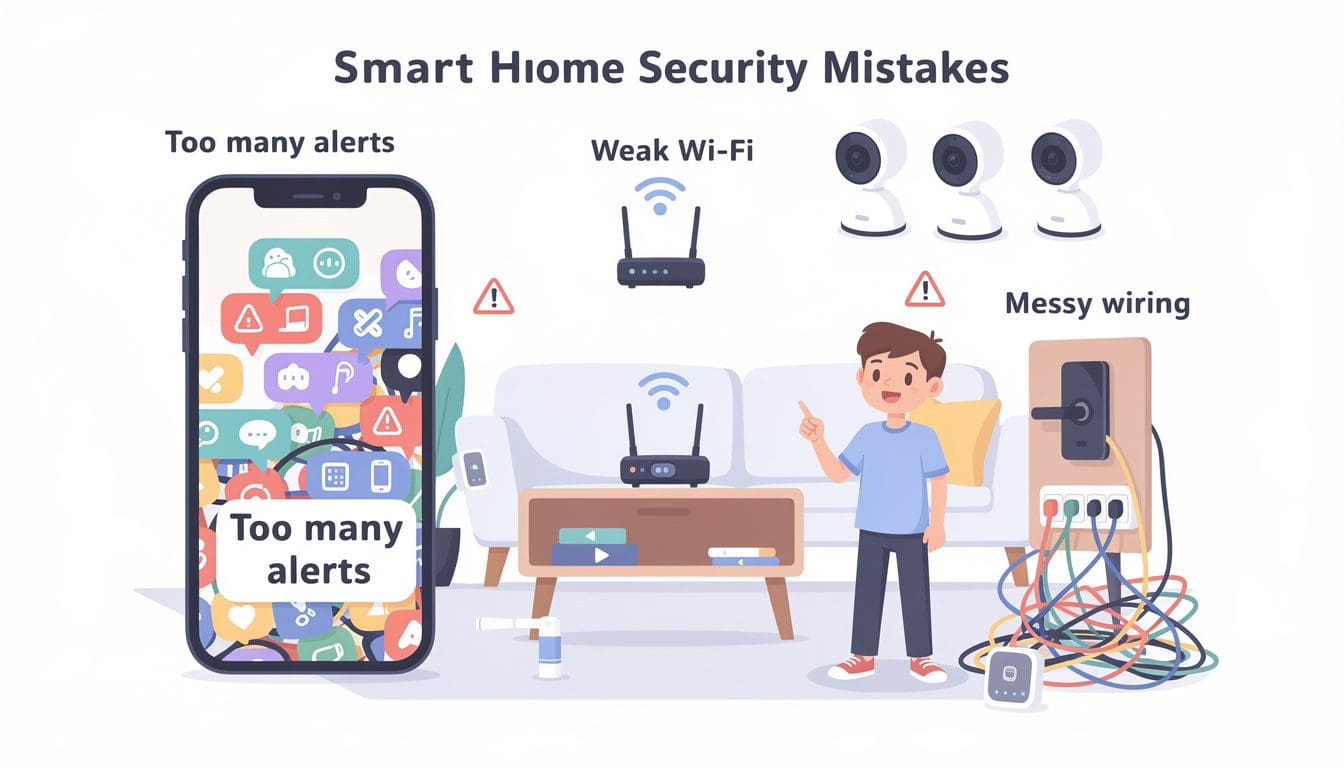
There is a strong temptation to create dozens of fancy automations on day one: lights that change color with the weather, alarms triggered by tiny movements, and complex chains of events when leaving the house. While this can be fun, it often leads to alert fatigue and confusion. A better strategy is to choose three to five meaningful, easy‑to‑understand routines first and live with them for a while.
Typical beginner‑friendly routines might include:
- Goodnight: lock exterior doors, dim living‑room lights, turn on a soft hallway light, and arm perimeter sensors.
- Leaving home: when the last phone leaves the vicinity, switch off certain lights, ensure doors are locked, and enable motion alerts.
- Coming home after dark: when the front door unlocks after sunset, turn on entry lights and temporarily relax motion alerts to avoid constant pings.
- Vacation mode: randomize a few lights each evening to mimic normal activity.
What matters is predictability. Every person in the household should know exactly what each routine does. That clarity prevents surprises—like a siren blaring when a teenager comes home late—and builds trust in the system.
Working With Voice Assistants And Apps
Voice assistants add a friendly layer on top of hubs and apps, allowing simple spoken commands like “lock the front door” or “turn on the porch light.” For security, the most useful voice features are often:
- Status checks (“Are all the doors locked?”).
- Scene triggers (“Activate away mode.”).
- Hands‑free control when arms are full of groceries or a sleeping child.
However, it is wise to limit very sensitive actions—like unlocking doors—unless the assistant supports voice recognition or confirmation steps. Some families prefer to reserve lock control for the app only, which is a reasonable compromise between convenience and safety.
Connecting Security To The Rest Of The Smart Home
Security works best when it gently blends with comfort and efficiency. A light that switches on when motion is detected at night is both a theft deterrent and a way to prevent stubbed toes. A plug that cuts power to a curling iron when everyone leaves is part safety, part energy saving. For those curious about extending beyond pure security, exploring resources like broader home automation concepts and other sections of smart home education sites can spark practical ideas.
By anchoring routines in real daily habits rather than novelty, beginners ensure that smart home security supports their lifestyle instead of demanding constant attention. Every time the house quietly locks itself and turns off unnecessary lights without anyone reaching for a switch, the value of a well‑tuned system becomes obvious.
Beginner Smart Home Security Mistakes To Avoid
Even with user‑friendly devices and clear goals, certain pitfalls regularly trip up beginners. Understanding these ahead of time helps transform setup from a trial‑and‑error marathon into a smoother, more satisfying project. Most problems come not from broken hardware, but from planning and habits, which are both fixable with a bit of foresight.
Overbuying And Underusing Devices
New customers are often drawn to giant “ultimate security bundles” that promise instant, total protection. In reality, many of those boxes end up half‑installed, with unused sensors gathering dust in drawers. Overbuying leads to complexity, and complexity often leads to giving up. A more sustainable path is to purchase only what is needed for immediate priorities—front door coverage, a few sensors, and perhaps a hub—then reassess after a few weeks.
- Start with essentials, not the full catalog.
- Install and test each item thoroughly before adding the next.
- Upgrade based on experience, not marketing promises.
This not only saves money but also makes troubleshooting easier; when something behaves oddly, there are fewer moving parts to investigate.
Neglecting Wi‑Fi And Network Basics
Smart security devices rely heavily on a stable home network. If the router is stuck in a far corner of the house or behind thick walls, cameras and sensors at the opposite end may disconnect or lag. A quick network health check before starting installation is one of the best investments beginners can make.
Helpful steps include:
- Running a speed and signal test near each proposed device location.
- Moving the router to a more central position if possible.
- Adding a basic mesh node or extender for large or multi‑story homes.
- Ensuring strong, unique Wi‑Fi passwords to protect the network itself.
When the network is solid, the system feels fast and reliable; when it is weak, even the best hardware can seem buggy.
Placing Sensors And Cameras Poorly
Incorrect placement is another frequent frustration. A motion sensor aimed at swaying tree branches or a busy street will generate constant false alerts, while one aimed too low might never see an approaching person’s torso. Likewise, a doorbell camera angled incorrectly may capture feet and parcels but not faces.
A simple strategy solves most of these issues:
- Use temporary tape to test sensor positions before permanent mounting.
- Walk through expected paths to see how detection behaves.
- Tweak sensitivity settings in the app after a day or two of observation.
- Revisit angles after the first week, once real patterns emerge.
These small adjustments turn annoying devices into trustworthy ones, and they cost nothing but a few minutes of experimentation.
Ignoring Maintenance: Batteries, Updates, And Reviews
Smart security is not entirely “set and forget.” Periodic maintenance keeps everything sharp. Batteries in wireless sensors can last many months, yet they will eventually fade. Firmware updates patch vulnerabilities and improve performance. User reviews of updates or new features sometimes highlight issues worth waiting on.
A simple routine might involve:
- Monthly app check for battery levels and offline devices.
- Quarterly review of firmware updates and change logs.
- Annual audit of automations to remove those no longer useful.
By treating maintenance as a light, recurring habit—perhaps aligned with other household chores—beginners avoid the unpleasant surprise of dead sensors or outdated software at a critical moment.
Skipping Basic Security Hygiene
Finally, it is easy to forget that smart home security depends not just on devices, but on digital hygiene. Weak passwords reused across multiple services are a common weak point for attackers. To close this gap, beginners should adopt some non‑negotiable rules:
- Use strong, unique passwords for Wi‑Fi, hub, and manufacturer accounts.
- Enable two‑factor authentication whenever available.
- Limit shared logins and instead create separate user profiles where possible.
These small steps dramatically reduce the risk of unauthorized access, ensuring that the smart security system protects the home rather than introducing new vulnerabilities.
Avoiding these mistakes frees up energy and attention for the more enjoyable side of smart homes—small automations that make daily life easier and more comfortable, even beyond pure security.
Next-Level Smart Home Security Ideas Once You’ve Mastered The Basics
After a few months with a stable starter setup, many households begin to ask, “What else can this system do for us?” This is the perfect moment to carefully explore second‑stage enhancements that deepen security without sacrificing simplicity. The focus shifts from basic monitoring to proactive protection and everyday convenience that extends beyond locks and cameras.
Strengthening Indoor Awareness Thoughtfully
Indoor cameras can be extremely useful, but they should be deployed with care to balance security and privacy. Rather than filling every room with lenses, beginners might choose one or two strategic spots:
- A main living area where valuables or electronics are concentrated.
- A nursery or playroom for occasional remote check‑ins.
- A room where pets spend long periods alone.
Many modern indoor cameras include features such as privacy shutters, schedules that disable recording when people are home, and zones that blur or ignore certain areas. Used well, they provide reassurance without turning the home into a surveillance bunker. They also pair powerfully with motion sensors and smart lights, offering visual confirmation when something triggers an alert.
Using Smart Plugs And Advanced Lighting For Security
Smart plugs, at first glance, might look like simple convenience gadgets, but they play a clever role in security. By turning lamps, radios, or even televisions on and off automatically, they help a home appear occupied when it is not. They can also cut power to risky appliances when nobody is around.
For anyone wondering how these small devices fit into the bigger picture, guides such as smart plug explanations and use cases show real‑world examples, from scheduled lamp operation to remote control of heaters. Combined with advanced lighting scenes, smart plugs help create a dynamic, believable pattern of life in the home that makes opportunistic intruders think twice.
- Schedule interior lamps to switch on at varied times across different rooms.
- Link plugs to motion, so a radio turns on briefly if motion is detected outside late at night.
- Use plugs as “kill switches” for irons, hair tools, or space heaters when the family leaves.
These upgrades not only enhance security but also cultivate peace of mind in everyday routines.
Exploring Whole‑Home Automation With Security At The Core
By this stage, many users are curious about using their hub and devices for more than just protection. The beauty of a well‑built security backbone is that it becomes a springboard into whole‑home automation. Lights, thermostats, speakers, and even blinds can now participate in carefully crafted routines that keep the household comfortable, efficient, and safe.
To explore these broader horizons, beginners can consult resources like room‑by‑room automation ideas, which show how scenes can tie security actions to everyday convenience. For example, a “movie night” routine might dim lights, lock doors, and quiet motion alerts in specific areas, while a “busy morning” routine brightens the kitchen, checks door status, and starts a gentle playlist.
- Comfort scenes that also confirm doors are locked and sensors are armed.
- Energy‑saving routines triggered by the same presence detection used for away mode.
- Voice‑activated checks that verify the home is secure before bedtime.
Security, in this view, is not a separate system but the backbone of a responsive, thoughtful home that pays attention to both threats and everyday needs.
Knowing When To Add Professional Monitoring Or Extra Services
Finally, some households eventually decide that self‑monitoring is not enough, especially if they travel frequently or manage multiple properties. At that point, professional monitoring or paid subscription services can make sense. These services often provide 24/7 human response to certain alarms, automatic emergency calls, or extended cloud storage for video.
The key for beginners is to delay this decision until the base system is well understood. This ensures money is spent on services that fit real habits rather than theoretical fears. When the time feels right, comparing providers and packages becomes far easier because the family already knows exactly how they use alerts, cameras, and locks day to day.
By gradually layering these advanced ideas on top of a strong foundation, smart home security evolves from a starter kit into a tailored system, supporting safety, comfort, and peace of mind in ways that feel natural rather than high‑tech.
What is the simplest smart home security setup for a beginner?
A practical starter setup usually includes a video doorbell at the front door, two or three motion or contact sensors on key entry points, one or two smart lights or plugs for visible deterrence, and optionally a basic hub to tie everything together. This combination lets you see who is at your door, know when doors or windows open, and make the house look occupied, all from your phone.
Do I need a professional installer to set up smart home security?
Most modern smart home security products are designed for DIY installation. Wireless sensors use peel-and-stick mounts, apps guide you through pairing, and video doorbells typically require only basic use of a screwdriver. Professional installation is helpful if you are replacing complex wired systems or feel uncomfortable with any wiring, but many households complete a starter setup in a couple of hours without expert help.
How much should a beginner expect to spend on smart home security?
Costs vary, but many beginners build a solid foundation for between $150 and $400. A mid-range video doorbell, a handful of sensors, and a couple of smart bulbs or plugs fit comfortably in this range. More advanced additions like smart locks, extra cameras, and professional monitoring can be added over time as needs and budget allow.
Are smart locks safe to use compared to traditional locks?
Smart locks rely on the same basic mechanical strength as quality traditional locks, but add digital features such as access codes, logs, and remote control. When installed correctly and protected with strong, unique passwords and two-factor authentication, they are considered secure for everyday use. As with all security devices, choosing reputable brands and keeping software updated is important.
Can smart home security work in an apartment or rental home?
Yes, many devices are ideal for renters because they do not require permanent changes. Wireless contact sensors, stand-alone cameras, smart plugs, and certain retrofit smart locks can usually be installed without drilling or rekeying doors. Always check lease terms, but in most cases a renter-friendly smart security kit can significantly improve safety and awareness without altering the property.