
Imagine a home that quietly adjusts itself around everyday routines: lights dim when the movie starts, the thermostat lowers as everyone leaves for work, and the front door locks itself behind the last person out. Home automation is the invisible conductor of this orchestra, coordinating dozens of devices so that a house feels responsive, safe, and surprisingly human. Instead of juggling switches, remotes, and keys, a connected home lets technology handle repetitive tasks while people focus on family, hobbies, and relaxation.
This blend of sensors, smart devices, and apps is no longer science fiction or a luxury reserved for futuristic mansions. It now shows up in compact apartments, suburban houses, and even student rentals. From smart thermostats that learn weekly patterns to doorbells that stream live video to a phone, smart home systems are reshaping what comfort and security mean. Understanding what home automation is, how it works, and how to start using it helps turn big ideas into small, practical changes that improve daily life step by step.
What Is Home Automation in a Modern Smart Home?
At its core, home automation is the use of digital technology to control and automate household systems—lighting, heating and cooling, security, entertainment, and appliances—often from a single app or voice assistant. Instead of walking room to room flipping switches, people use connected devices that can be scheduled, controlled remotely, and even allowed to make certain decisions on their own.
A typical smart home might combine smart lights, thermostats, locks, cameras, speakers, and plugs into one network. These devices share data and follow rules such as, “When it’s sunset, turn on the porch light,” or “If the smoke alarm sounds, unlock the doors and switch on all lights.” Resources like this overview of home automation describe it as a branch of building automation dedicated to homes, but the experience is much more personal than the phrase suggests.
What makes this especially powerful is the central control. A smart hub or ecosystem—Alexa, Google Home, Apple Home, or similar—lets different brands and gadgets work together. A single dashboard on a phone can show room temperatures, open windows, live camera feeds, and whether any doors are unlocked. This is why guides such as practical introductions to home automation emphasize integration as much as the devices themselves.
Over the last decade, three big shifts have driven this evolution:
- Affordable sensors that can detect motion, light, temperature, humidity, and more.
- Reliable wireless networking using Wi‑Fi, Zigbee, Z‑Wave, and Thread to connect dozens of devices.
- Cloud services and apps that provide remote control and automation from anywhere with internet access.
Home automation also spans different levels of sophistication. At one end is simple remote control: tapping a button to switch a lamp on from the sofa. At the other end are context-aware systems that adjust behavior based on schedules, presence, weather data, or learned habits. A smart thermostat, for instance, might learn that the house is usually empty by 8:30 a.m. and pre‑emptively reduce heating or cooling, then bring the temperature back to a comfortable level just before the first person returns.
There is also a social dimension. Many homeowners discover smart technology through a single device recommended by a friend—often a video doorbell or smart speaker—and then expand. Communities like educational home automation blogs and solution providers such as specialist smart home integrators help people turn scattered gadgets into coherent systems that feel seamless instead of experimental.
In short, home automation is less about flashy gadgets and more about designing a living space that quietly works with its occupants. That idea becomes clearer when the individual building blocks—devices, hubs, and connectivity—are examined in detail.
- Think of home automation as a “digital butler” that handles repetitive household tasks.
- Smart homes rely on both hardware (devices) and software (apps, cloud services).
- The goal is not complexity, but a simpler, calmer everyday experience.
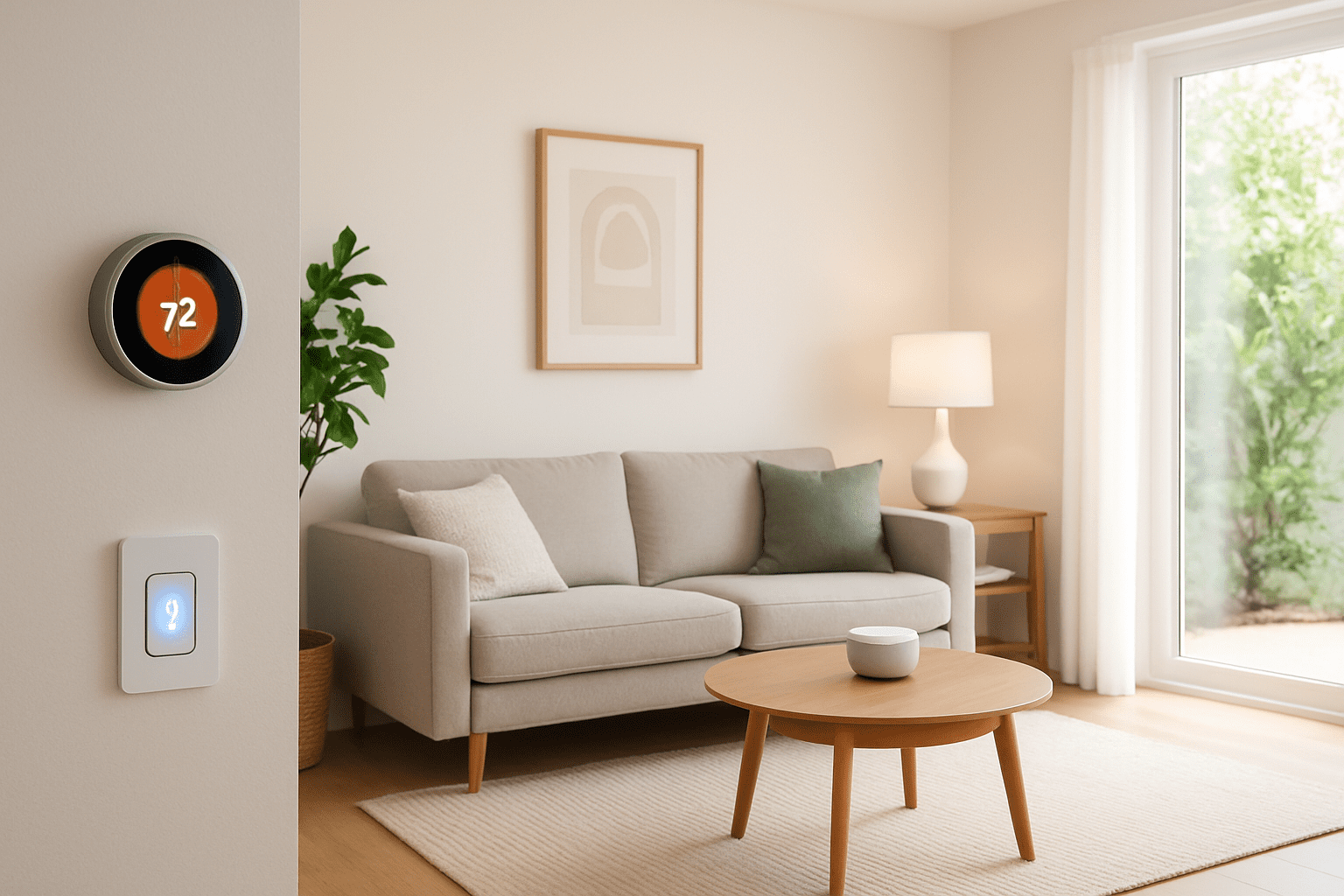
How Home Automation Systems Work Behind the Scenes
To understand what home automation really is, it helps to peek behind the curtain. Every smart home, whether it controls three devices or thirty, is built on a similar logic: sense, decide, act. Devices gather information, a system decides what should happen, and something in the house responds.
Smart devices include bulbs, thermostats, plugs, cameras, locks, blinds, speakers, and more. Each one contains a tiny computer that connects to a network and follows instructions. Many communicate via Wi‑Fi; others use low‑power protocols like Zigbee or Z‑Wave so that batteries last months or years. Overviews such as technical guides to how home automation works often highlight these radio standards as the “languages” that devices use to talk to each other.
At the center sits a hub or ecosystem. This might be a dedicated box, a smart speaker, or even a phone running a home‑control app. The hub listens for messages—“motion detected in the hallway,” “window opened,” “temperature now 18°C”—and applies rules. If a rule matches, the hub sends commands like, “turn on light,” “start recording,” or “send notification.” The process happens in milliseconds, so to a person it feels instantaneous.
Consider a simple “goodnight” routine used by the fictional Carter family in a small townhouse:
- At 10:30 p.m., the hub checks if anyone is still moving in the living room.
- If not, it switches off downstairs lights, locks the front door, closes the smart blinds, and sets the thermostat to an energy‑saving temperature.
- If a door or window is open, it sends an alert instead of arming the alarm, so nobody gets locked out on the patio.
This is the same logic described in resources like explanations of home automation systems—a web of if‑this‑then‑that rules stitched together into a kind of household choreography.
More advanced setups layer machine learning on top. Some thermostats, for example, build a model of how quickly a particular home warms up or cools down and start heating just early enough to reach a target temperature at a scheduled time. Security systems may differentiate between familiar and unfamiliar faces or learn to ignore harmless patterns such as tree branches moving in the wind.
Cloud services play a crucial role here. Many automations depend on external data: sunrise and sunset times, weather forecasts, or the GPS location of family members’ phones. That is why guides such as basic smart home introductions stress the importance of a stable internet connection for full functionality, even though some local tasks can continue without it.
Behind all this technology are a few guiding principles:
- Automations should be predictable, so people always feel in control.
- Manual override must be easy; no one wants to “fight” an uncooperative system.
- Security and privacy must be treated as seriously as comfort and convenience.
When these principles are respected, the underlying complexity fades into the background, and the experience of home automation becomes surprisingly natural, much like a well‑designed building that “just feels right” to live in.
Once this foundation is clear, it becomes easier to explore practical features: the specific smart devices and everyday scenarios where automation shines the most.
- Every automation follows the loop: sense → decide → act.
- Hubs and ecosystems turn individual gadgets into one coherent smart home.
- Cloud data and learning algorithms make systems feel increasingly intuitive over time.
Key Features and Everyday Uses of Home Automation
Understanding what home automation is becomes much clearer when looking at how it shapes ordinary days. Instead of one big “sci‑fi moment,” the impact comes from dozens of small, almost invisible improvements that add up to a calmer routine.
Smart lighting is often the first step. Connected bulbs or switches can turn on at sunset, dim gradually before bedtime, or brighten slowly in the morning to mimic sunrise. A family might set motion‑activated lights in hallways so children never fumble for a switch at night. Overviews like practical guides to smart lighting and appliances explain how these systems reduce both hassle and energy consumption.
Lighting schedules soon lead to smart climate control. Thermostats learn patterns—work hours, bedtime, weekend habits—and adjust heating and cooling accordingly. In a small apartment, a single smart thermostat might coordinate with window sensors and fans; in a larger home, multiple temperature sensors help keep different floors comfortable without wasting energy. This is more than convenience; it directly lowers utility bills and can make older, drafty houses feel much more livable.
Security is another major pillar of home automation. A typical setup might include:
- Video doorbells that send live video to phones when someone approaches.
- Smart locks that accept temporary digital keys for guests or deliveries.
- Indoor and outdoor cameras that trigger recordings only when motion is detected.
- Door and window sensors that alert owners if anything is opened unexpectedly.
These systems can blend with other devices. If a camera detects movement in the driveway at night, porch lights may switch on and a chime might sound inside. Security‑focused resources like home automation security guides highlight how such coordination deters intruders and provides reassurance when nobody is home.
Home automation also transforms entertainment and daily routines. One tap on a phone, or a short voice command, can start a movie night “scene”: blinds lower, lamps shift to a warm glow, the TV switches to the right input, and speakers set themselves to theater mode. In the kitchen, smart ovens and coffee makers can be preheated or scheduled from an app, making hectic mornings smoother.
For the fictional Carter family, a typical weekday morning might look like this:
- 6:30 a.m.: Bedroom blinds open halfway, and gentle lighting turns on.
- 6:35 a.m.: The thermostat nudges the temperature up a few degrees.
- 6:45 a.m.: The coffee maker starts brewing; soft music plays in the kitchen.
- 7:30 a.m.: After the last person leaves, the house switches to “away” mode: unnecessary lights turn off, doors lock, the alarm arms, and the thermostat moves to an eco setting.
Each of these actions is simple alone, but together they create a feeling that the home is actively collaborating with its occupants. That sense of partnership is what turns isolated gadgets into true home automation.
For curious readers, sites like smart living explainers and the background story on how integrators design smart homes offer more real‑world examples of how different households tailor these tools to their own schedules, priorities, and budgets.
- Smart lighting, climate, security, and entertainment are the main pillars of most setups.
- Short, well‑designed routines can transform stressful times of day like mornings and bedtimes.
- The best automations blend into daily life so smoothly that they often go unnoticed—until they stop working.
Benefits and Challenges of Adopting Home Automation
Home automation brings a long list of benefits, but it also introduces new responsibilities and decisions. Understanding both sides helps households decide which features are worth adopting now and which can wait.
On the positive side, the three most noticeable gains are convenience, efficiency, and safety. Automations remove small frictions: no more walking back upstairs to check whether a window is closed, no more returning home to a dark, cold house after a late shift. People with busy schedules, young children, or caregiving responsibilities often appreciate anything that reduces the mental load of managing a household.
Energy efficiency is another major benefit. Smart thermostats, occupancy sensors, and adaptive lighting can significantly cut wasted electricity and fuel. Over time, these savings ease the impact of the initial investment in devices. For many families the story begins with a single smart thermostat or a few connected plugs, inspired by articles such as technical introductions to home automation that explain the underlying electronics.
Home automation can also be profoundly helpful for accessibility and aging in place. Voice‑controlled lights, door locks, and blinds let people with limited mobility maintain independence. Smart doorbells and cameras can be checked from a bed or armchair, and reminders from speakers can support medication schedules. When combined thoughtfully, these tools create safer, more comfortable environments for elderly relatives or anyone recovering from illness or injury.
Yet there are challenges to balance these benefits:
- Privacy and data security concerns about microphones, cameras, and cloud‑stored information.
- Compatibility issues when devices from different brands do not work smoothly together.
- Complexity for less tech‑confident users, who may feel overwhelmed by apps and settings.
- Upfront costs, especially for whole‑home projects that include wiring or professional installation.
Stories from families mirror what many guides, including consumer‑focused automation explainers, often note: the hardest part is not choosing the first gadget, but deciding on a long‑term ecosystem and learning to configure automations meaningfully. That is why some households partner with specialists or companies like professional smart home integrators for planning and setup, while others prefer a gradual do‑it‑yourself journey.
Risk can be managed thoughtfully. Securing the home Wi‑Fi network, using strong passwords and two‑factor authentication, and keeping device firmware updated goes a long way toward protecting data. Taking a moment during setup to review privacy settings, especially for cameras and microphones, helps ensure that technology remains a trusted helper rather than a source of worry.
Overall, the balance tends to tip in favor of automation when solutions are chosen to solve real problems—like high energy bills, safety concerns, or accessibility needs—rather than just to showcase impressive features. When the focus stays on genuine everyday improvements, the benefits usually outweigh the complications.
- Home automation reduces mental load and repetitive chores, especially in busy households.
- Energy savings and insurance discounts can help offset device costs over time.
- Thoughtful planning and basic digital hygiene keep most privacy and security risks manageable.
How to Get Started with Home Automation Step by Step
Once the concept of home automation feels clear, the next logical question is how to begin. The most successful journeys start with small, focused projects rather than a complete overhaul. This keeps the process affordable and lets everyone in the home adjust gradually.
A good first step is to identify specific pain points. Does anyone keep forgetting to turn off lights? Is the house too cold in the morning and too hot at night? Do deliveries arrive at odd times when nobody is home? Pinpointing one or two recurring frustrations makes it easier to choose the first smart devices that will have an immediate impact.
New users often begin with:
- Smart bulbs or plugs to automate lamps and a few key appliances.
- A smart thermostat to handle comfort and energy savings.
- A video doorbell to improve security and manage visitors.
These stand‑alone upgrades already introduce the core experience of home automation: remote control, scheduling, and basic rules. At this stage, guides like introductory automation articles can help with comparing brands, understanding jargon, and avoiding common pitfalls such as buying devices that do not support the chosen voice assistant.
The next phase involves choosing a central ecosystem. Most households settle on Alexa, Google Home, or Apple Home as their main control layer, then look for devices that carry the appropriate compatibility label. This ensures that future additions—locks, blinds, sensors—can be controlled together. Planning for that future, even loosely, prevents having to replace hardware later.
Some families are comfortable installing everything themselves, while others prefer expert help. Do‑it‑yourself projects are ideal for plug‑in devices, bulbs, and basic sensors. However, rewiring light switches, integrating alarms, or configuring complex scenes across many rooms may benefit from a professional designer or installer. This is where specialized firms and resources such as design‑oriented smart home guides become particularly helpful.
Regardless of who installs the hardware, the true “setup” happens during daily life. It involves:
- Creating and refining routines like “goodnight,” “leaving home,” and “movie time.”
- Adjusting timings and brightness levels after living with them for a week or two.
- Explaining voice commands and app controls to the whole household.
Patience pays off here. The most beloved automations tend to be the ones that were tweaked over time in response to real habits, not just copied from a manual. A family might discover, for example, that bedtime routines need different schedules for weekdays and weekends, or that motion‑activated lights in a child’s room are more disruptive than a small night‑light.
By the time a first wave of devices feels “transparent”—almost like part of the building itself—most households have a clear sense of what to add next, whether that’s automated blinds, smarter irrigation for the garden, or integrated audio in multiple rooms. At that point, the move from simple gadgets to a fully coordinated smart home feels less like a leap and more like a natural next step.
- Start from real problems, not from the gadget catalog.
- Pick one ecosystem early to keep future expansion simple.
- Treat routines as works in progress that can be fine‑tuned over weeks and months.
What is the simplest way to try home automation for the first time?
The easiest entry point is to choose one everyday task to improve, such as lighting or heating. A pair of smart bulbs or a single smart thermostat can be installed with minimal effort and controlled from a phone. This introduces scheduling, remote control, and basic automation without requiring any changes to wiring or major renovations. Once everyone is comfortable, more devices and routines can be added gradually.
Do I need a dedicated hub to automate my home?
Many modern devices connect directly to Wi‑Fi and work with phone apps or voice assistants, so a separate hub is not always necessary at the beginning. However, as more devices are added—especially those using Zigbee, Z‑Wave, or Thread—a hub or compatible smart speaker can make control more reliable and unified. It also allows for more complex automations involving multiple rooms and device types.
Can renters use home automation without modifying the property?
Yes. Renters can rely on plug‑in devices and battery‑powered sensors that do not require drilling or rewiring. Smart plugs, bulbs, freestanding cameras, and voice assistants can all be removed easily when moving out. Many renters also use adhesive mounts for sensors and avoid replacing existing wall switches, leaving the property essentially unchanged while still enjoying smart features.
How much maintenance do smart home devices require?
Most smart devices need very little physical maintenance beyond occasional battery changes for sensors and cleaning for cameras and screens. The more important maintenance is digital: installing firmware updates, checking that automations still match current routines, and reviewing privacy and security settings from time to time. Scheduling a quick quarterly check helps keep everything running smoothly.
Is it possible to mix different brands in one home automation system?
Yes, mixing brands is common, as long as they share a compatible ecosystem or protocols. Choosing a main platform such as Alexa, Google Home, or Apple Home and looking for devices that integrate with it makes this easier. Before buying new hardware, it is wise to confirm compatibility and read user experiences so that all devices can be controlled together without constant workarounds.