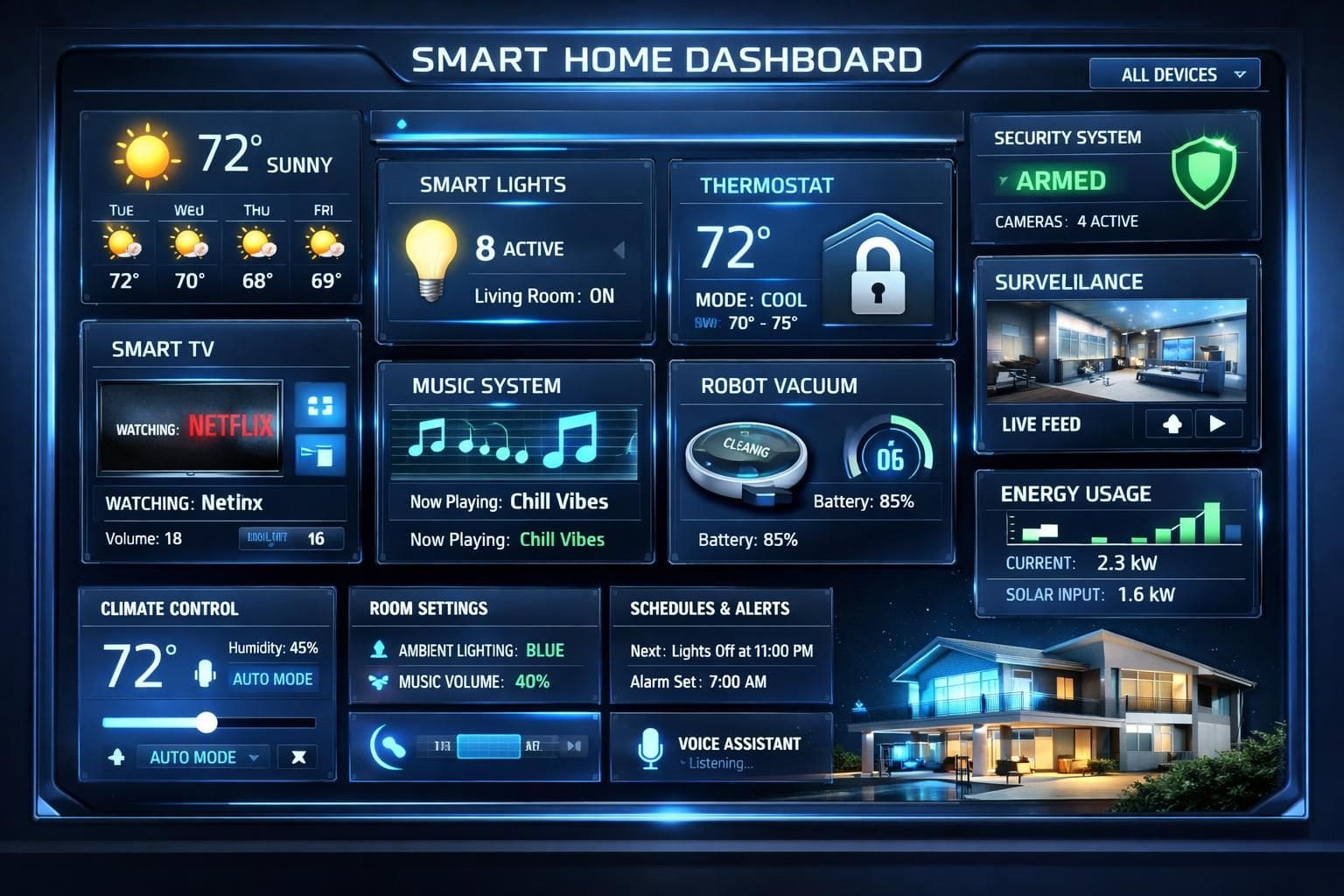
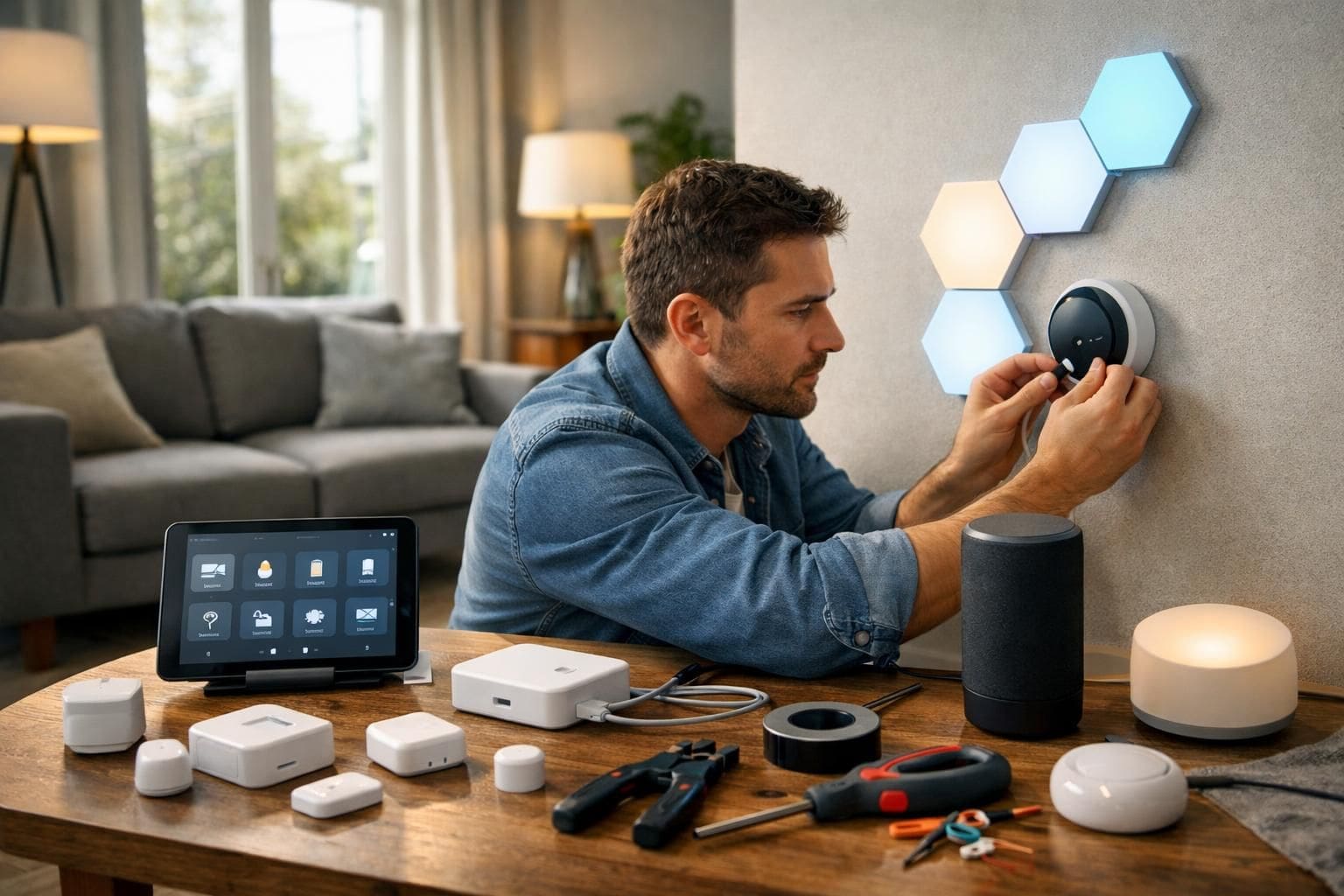
In an era where technology seamlessly intertwines with daily life, setting up a DIY smart home system represents a transformative opportunity to enhance convenience, security, and energy efficiency. The landscape of home automation in 2025 offers more accessible solutions than ever before, empowering homeowners to tailor their living environments with precision and ease. From intuitive smart lighting to sophisticated security setups, the integration of connected devices not only simplifies routines but also contributes to a more sustainable and protected household. This methodical guide explores the step-by-step approach to creating a smart home that harmonizes technology with everyday living, ensuring a streamlined, interconnected ecosystem without the need for professional installation.
The concept of a smart home revolves around unifying various intelligent devices through a central command interface, typically a smart hub or mobile application. This network of devices works collectively to respond to voice commands, schedules, or environmental triggers, transforming a conventional house into an automated haven. The choice of ecosystem, device compatibility, and communication protocols play pivotal roles, especially as more manufacturers adopt standards that improve interoperability. Beyond the functional advantages, the psychological comfort derived from remote monitoring and control contributes significantly to residents’ peace of mind, a key factor driving the increased adoption of smart home technology in urban and suburban areas alike.
Essential Components and Infrastructure for a DIY Smart Home System
A fundamental understanding of the key elements involved in building a smart home is critical to a successful DIY setup. This begins with the smart hub, which functions as the central controller orchestrating communication among devices. Popular models such as the Amazon Echo, Google Nest Hub, and Samsung SmartThings offer diverse options tailored to different user preferences and compatibility requirements. The decision to employ a hub impacts not only device interoperability but also the complexity and flexibility of automation routines.
Smart lighting represents one of the most transformative components, offering the ability to adjust brightness, colors, and schedules remotely. For example, Philips Hue provides premium bulbs with extensive customization, while LIFX offers Wi-Fi-enabled smart bulbs that eliminate the need for an additional hub, ideal for simpler setups. This element alone can significantly reduce energy consumption by adapting lighting to occupancy patterns and natural light availability.
Another critical element is the smart thermostat, which optimizes heating and cooling by learning user habits and external weather conditions. Devices like the Google Nest Thermostat utilize artificial intelligence to balance comfort with energy savings, dramatically lowering utility bills when properly configured. Moreover, integration with other sensors enables climate control to respond dynamically to occupancy and activity levels across different rooms.
Security components encompass smart locks, cameras, and sensors that collectively bolster home safety. For instance, the Ring Video Doorbell offers real-time video communication with visitors, while Arlo cameras provide comprehensive wireless surveillance. Integrating these devices into the smart ecosystem facilitates instant alerts, remote monitoring, and automated responses such as locking doors or activating alarms, substantially enhancing security compared with traditional systems.
Finally, smart plugs and switches enable automation of non-smart appliances, granting control over devices like coffee makers, TVs, or fans. Products from TP-Link or Lutron automate everyday electronics, contributing to energy efficiency and convenience by scheduling power cycles or enabling voice activation. Ensuring reliable wireless connectivity through Wi-Fi 6 routers and, optionally, mesh networking is essential to maintain a stable and responsive smart home environment.
Selecting the Right Ecosystem for Cohesive Smart Home Integration
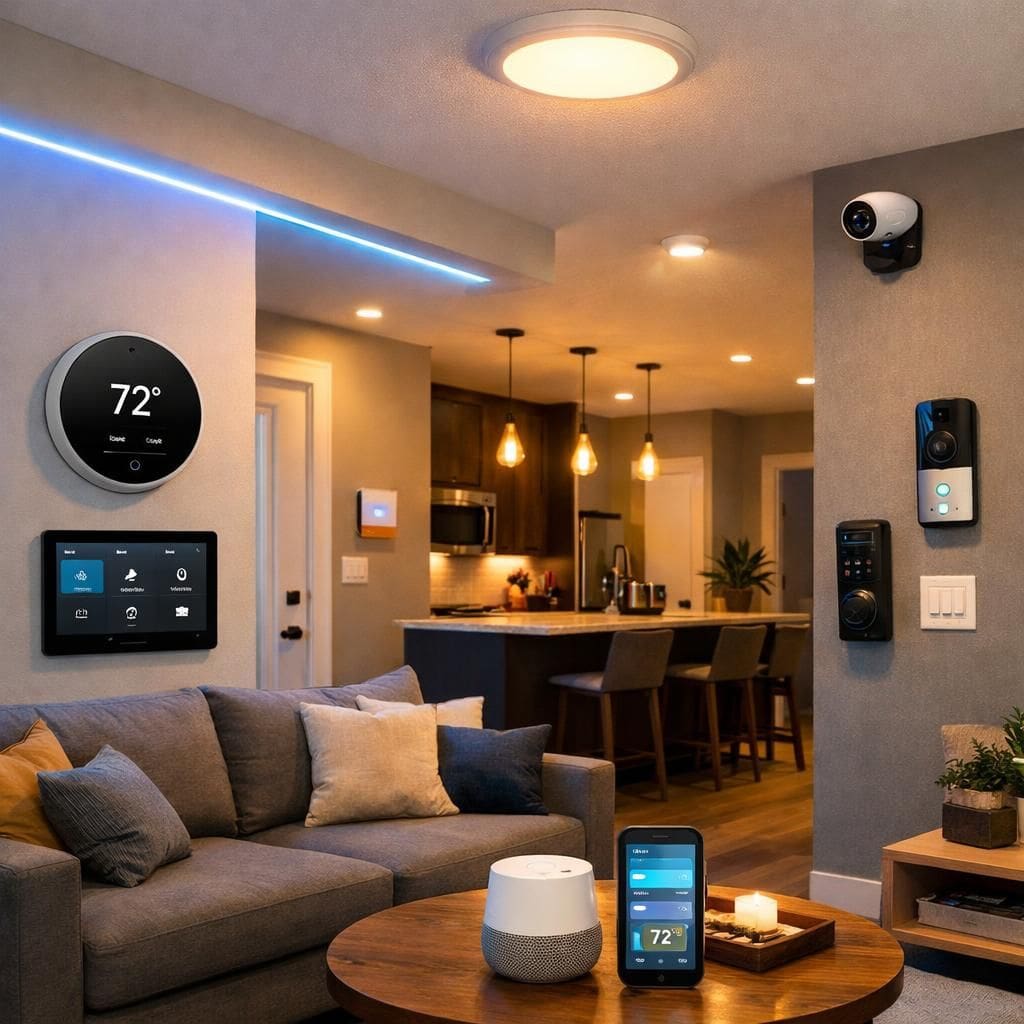
Choosing an ecosystem is a pivotal decision that determines device compatibility, security protocols, and user experience. The most prominent ecosystems in 2025 remain Amazon Alexa, Google Home, and Apple HomeKit, each with distinct strengths catering to different user bases and preferences.
Amazon Alexa boasts extensive device compatibility with tens of thousands of third-party products. Its robust voice assistant integration via Echo devices enables complex automation routines and broad developer support. Alexa’s open ecosystem facilitates experimentation and expansion, making it favorable for DIY builders seeking flexibility.
In contrast, Google Home excels in contextual voice understanding and AI-driven automation, particularly benefiting households that already use Google services and Android devices. Google Assistant’s natural language processing and seamless integration with applications like Google Calendar or Maps enhance situational automation, such as preconditioning the home before arrival or adjusting lighting based on weather conditions.
Apple HomeKit prioritizes privacy and security, offering a tightly controlled platform with end-to-end encryption. Its advantage lies in seamless interoperability among Apple devices, making it ideal for users invested in the Apple ecosystem. Despite a narrower product range, HomeKit’s certified devices ensure high reliability and user data protection.
When making this critical choice, homeowners should consider their existing technology investments, preferred voice assistant, and security priorities. Compatibility checks of devices with the selected ecosystem must precede purchasing decisions to avoid integration pitfalls. The ecosystem profoundly influences the user interface, app functionality, and long-term system scalability.
Executing Key Smart Home Installations: Lightning, Climate Control, and Security Systems
After selecting the ecosystem and gathering components, the installation phase brings the smart home to life. The process demands attention to safety, compatibility, and optimal device placement for effective operation.
Smart Lighting Installation and Configuration
Replacing traditional bulbs with smart bulbs is the most straightforward upgrade. For advanced setups involving multiple rooms, installing smart switches can be more cost-effective and maintain wall switch functionality. The process involves pairing bulbs or switches with the central hub, often through a dedicated smartphone app. Customizable lighting scenes and schedules boost comfort and energy savings—automatic dimming during evenings or color changes aligned with circadian rhythms exemplify practical applications.
During installation, it is prudent to turn off electrical power to avoid hazards. In complex homes, zoning lights and grouping devices by room or activity improves usability. For example, linking bedroom lighting to a “Good Night” routine can simultaneously turn off lights, lower thermostat settings, and secure locks, showcasing the power of automation integration.
Smart Thermostat Setup for Energy-Efficient Climate Control
Installing a smart thermostat typically requires replacing an existing unit and wiring the new device to the HVAC system. Advanced models like the Ecobee SmartThermostat incorporate remote sensors to monitor multiple rooms, enhancing accuracy in temperature regulation. Programming adaptive schedules based on occupancy patterns yields significant energy savings while maintaining comfort.
Integration with other smart devices allows triggers based on actions such as unlocking the front door or detecting movement, automatically adjusting heating or cooling. Several community case studies report reductions in energy bills by up to 20% within months of installing and configuring smart thermostats correctly, underscoring their long-term value.
Deploying Smart Security Devices for Comprehensive Home Protection
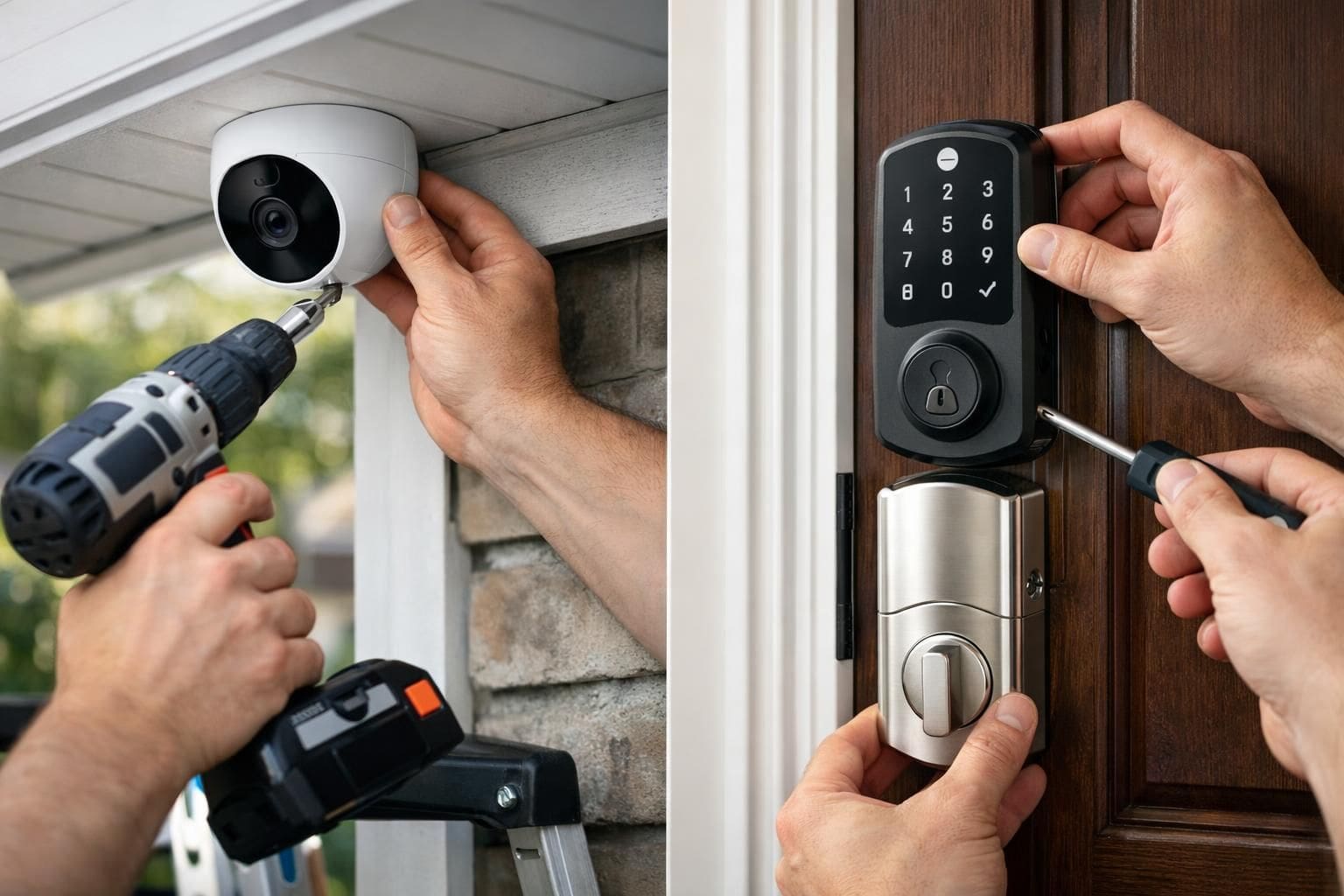
Security is a cornerstone of smart home value, and the installation involves strategically placing motion sensors, cameras, and smart locks in vulnerable locations. Key entry points such as front doors and garages benefit from video doorbells and smart locks, which offer remote control and activity logs accessible via mobile apps.
Wireless cameras require optimal positioning to capture clear footage and avoid blind spots. Integrating alarm systems with automatic lighting activation during detected movement adds an additional deterrent layer. For larger properties, mesh networks ensure continuous connectivity of sensors spread across premises.
Homeowners must also configure alerts and notifications to receive real-time updates, enabling an immediate response to suspicious activity whether at home or away. An anecdotal report from a user in a suburban neighborhood documented thwarting a potential break-in through proactive smart lock activation and security camera notifications, demonstrating practical benefits.
Steps to Automate Daily Routines and Enhance User Experience
Automation routines epitomize the convenience offered by a DIY smart home. Creating custom sequences that synchronize multiple devices to execute tasks based on triggers and schedules results in a seamless living experience.
For example, a “Morning Routine” might include gradually increasing the bedroom lighting, adjusting the thermostat to a comfortable temperature, and playing news or music through smart speakers. Similarly, a “Leaving Home” sequence can power down lights, lower the thermostat, lock doors, and activate security cameras.
These automation tasks are configured via the smart hub’s app or voice assistant, often using intuitive drag-and-drop interfaces or preset templates. Advanced users may employ conditional statements like “If this, then that” (IFTTT) to integrate services beyond the immediate ecosystem, such as calendar events or weather updates.
Additionally, smart plugs expand automation to non-smart appliances, allowing timed or trigger-based activation of devices like coffee makers or humidifiers. This level of customization maximizes comfort while optimizing energy consumption.
- Create multi-device scenes to control lighting, temperature, and entertainment simultaneously
- Schedule appliances to reduce energy waste during inactive periods
- Use geofencing to automate actions based on your location, e.g., turning on heating when returning home
- Integrate voice assistants to facilitate hands-free control
- Monitor usage patterns for ongoing optimization of automation routines
Maintaining and Expanding a DIY Smart Home System for Future-Proof Living
Establishing a smart home is an evolving process that benefits greatly from regular maintenance and thoughtful expansion. Firmware updates safeguard devices against vulnerabilities and improve functionality, making it vital to routinely check for and apply updates through dedicated applications or hubs.
Network security is paramount; employing strong, unique passwords for device and router access alongside enabling two-factor authentication where available prevents unauthorized intrusion. Monitoring network traffic can help identify irregularities indicative of security threats.
Expanding a smart home is as simple as integrating additional compatible devices, including smart kitchen appliances, robotic vacuum cleaners, or outdoor equipment such as AI-powered lawn mowers. Ensuring these additions conform to existing ecosystem protocols maintains system harmony and ease of use.
Long-term success also depends on user education and community engagement. Participating in forums and consulting updated DIY guides allows for exchanging innovative ideas, troubleshooting tips, and staying informed about emerging technologies, ultimately enriching the smart home experience.
By adhering to these practices, a DIY smart home remains a dynamic, efficient, and secure environment tailored to the evolving needs of its inhabitants.