
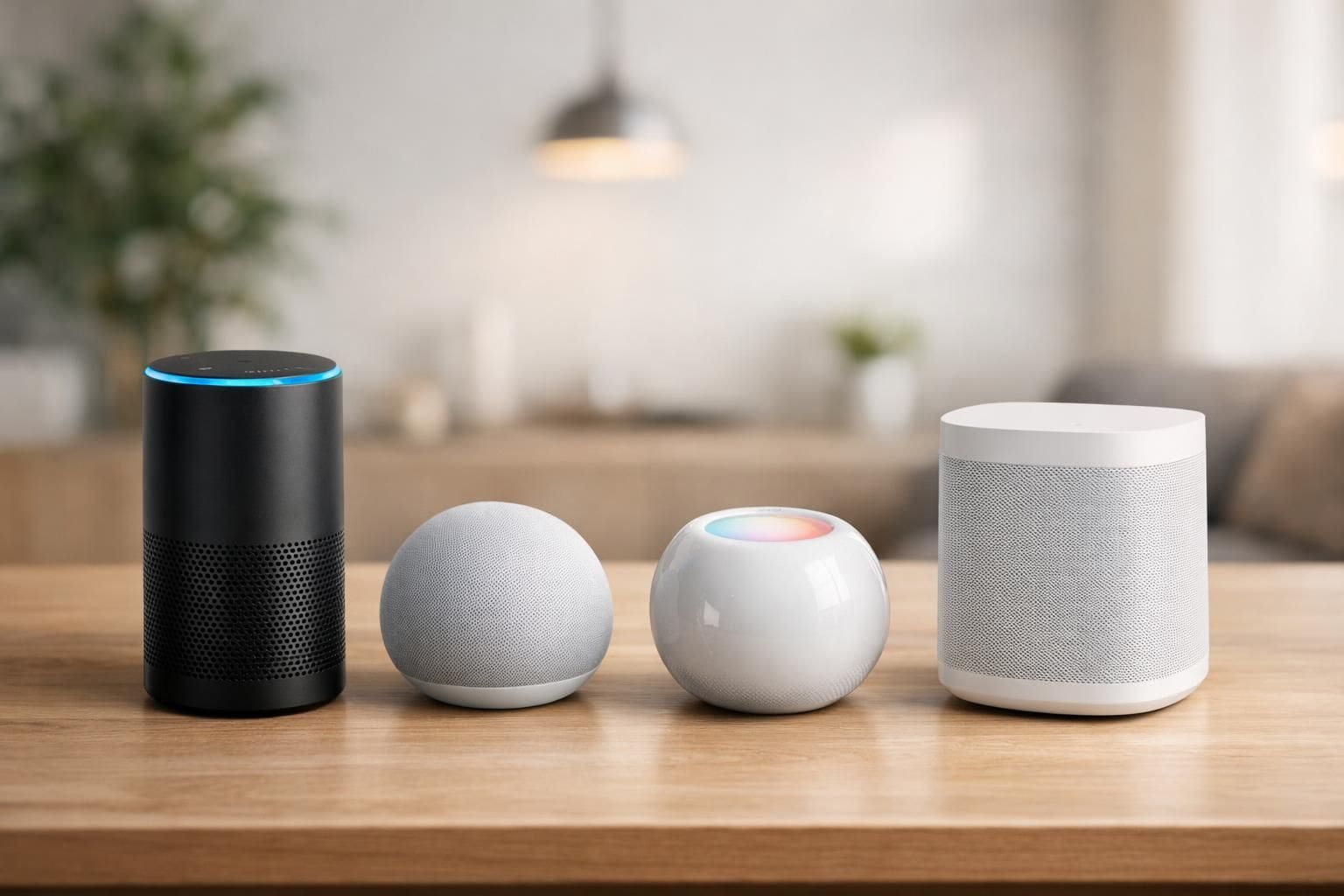
In an era where artificial intelligence is seamlessly woven into daily routines, smart assistants have grown from simple voice-activated tools into powerful digital companions. These AI-driven systems manage everything from scheduling and communications to creative tasks and home automation, significantly enhancing productivity and convenience. As 2025 progresses, the market is crowded with several noteworthy contenders, each bringing unique capabilities and ecosystem integrations to the table. Understanding the nuances of these assistants is essential to selecting one that aligns perfectly with individual or professional needs.
Smart assistants no longer just respond to straightforward voice commands. They summarize complex content, generate code, curate personalized playlists, and orchestrate smart home devices across ecosystems. Their role extends beyond virtual convenience to becoming strategic tools that free up valuable time and mental bandwidth. This evolution demands a thorough comparison of available smart assistants, focusing on their strengths, limitations, and the environments where they excel most.

Deep Integration and Versatility: The Edge of Google Gemini
Google Gemini stands out as a multi-purpose AI assistant embedded deeply within Android devices and Google’s vast ecosystem. Its ability to synchronize flawlessly with services like Gmail, YouTube, Google Photos, Keep, and Docs creates a cohesive environment where users can seamlessly manage their digital lives. From setting alarms and managing calendars to summarizing YouTube videos, Gemini demonstrates a broad spectrum of capabilities that address everyday productivity needs.
One of the standout features of Google Gemini is the advanced AI model powering its services, particularly Gemini 3 Pro. Beyond basic functions, it excels in creative applications such as code generation and even multimedia creation, including AI-generated videos and nostalgic images via complementary tools like Nano Banana Pro and Veo 3. This creative potential makes Gemini a versatile assistant not only for professional tasks but also for creative projects, catering to diverse user profiles.
As most features come at no cost, users benefit from access to a robust service without financial barriers. The optional AI Pro subscription, priced at $19.99 per month, unlocks additional premium functionalities, making it attractive for power users and professionals needing enhanced assistance. While Gemini rivals the comprehensive skill set of Google Assistant, it intermittently misses some nuanced features specific to Google’s native assistant. Nevertheless, its all-around performance and tightly knit ecosystem make it the preferred choice for Android users and those invested heavily in Google’s suite of applications.
Moreover, Gemini’s ability to sync content across devices ensures continuous workflow without interruption, which is invaluable for professionals who switch between laptops, smartphones, and tablets. Consider a scenario where a marketing manager drafts an email on their phone, then switches to a laptop to update a campaign calendar—all while Gemini synchronizes these updates effortlessly.
- Broad compatibility with Google services accelerates task management.
- Supports advanced creative tasks such as code and multimedia generation.
- Mostly free with a reasonably priced premium tier.
- Integration gaps with some Google Assistant features remain.
- Excellent synchronization across multiple devices enhances user experience.
General-Purpose Intelligence and Customization: ChatGPT’s Expanding Utility
ChatGPT secures an important place among today’s smart assistants, famed for its versatility and remarkable language processing skills. While not anchored to any single operating system ecosystem, ChatGPT’s adaptability enables it to serve across platforms, including Android and iOS. Users can designate it as the default voice assistant on select Android devices, benefiting from its outstanding voice interaction capabilities.
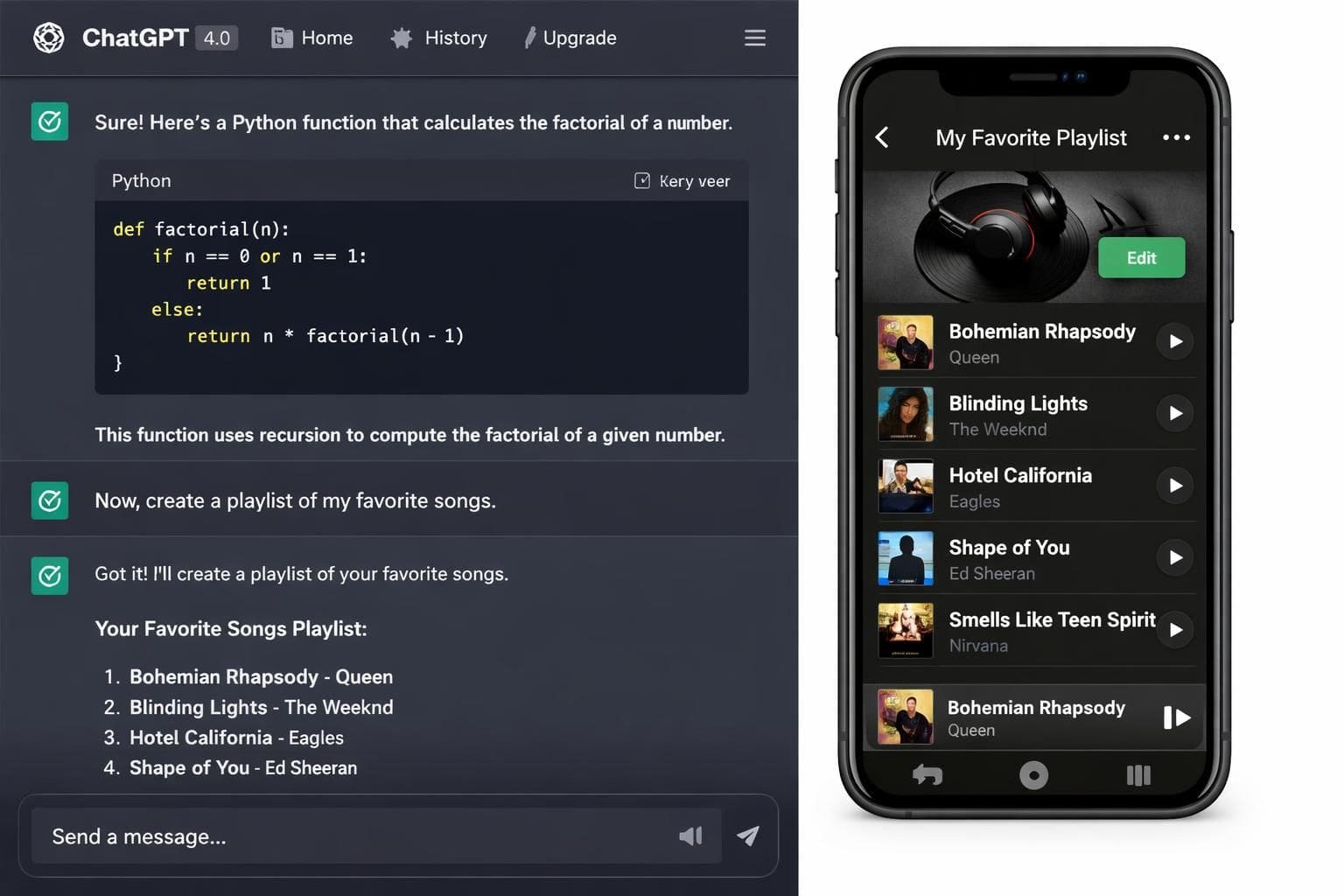
Its strength lies primarily in its ability to comprehend and generate complex natural language responses, making it a prime choice for research, writing assistance, and programming. ChatGPT’s new integrations with apps such as Spotify, Canva, Zillow, and Expedia expand its functionality, allowing users to execute tasks like creating playlists or booking travel directly through conversational commands.
In the coding domain, ChatGPT serves as an efficient problem solver, quickly generating relevant code snippets and resolving complex programming challenges. Its image generation features continue to captivate users, with trends like Studio Ghibli-style art showcasing its creative adaptability.
Despite these advantages, ChatGPT lacks the tight OS-level integration found in other assistants, which can sometimes limit its ability to control device-specific settings or native apps comprehensively. However, its widespread app support and powerful language model make it a versatile choice for users seeking an assistant capable of enriching their digital experience.
- Exceptional at understanding and generating natural language.
- Integrates with popular third-party apps enhancing practical usability.
- Effective coding assistant for developers and students alike.
- Lack of deep OS integration limits native device control.
- Subscription model with a $20 monthly plan for enhanced features.
Business-centric Assistance with Microsoft Copilot
For professionals embedded in the Microsoft ecosystem, Microsoft Copilot offers an AI assistant optimized for office productivity. Integrated into Windows 11 and the Microsoft 365 suite, Copilot aids users in a multitude of day-to-day business tasks. Whether drafting comprehensive PowerPoint presentations, organizing data in Excel, or simplifying complex reports, Copilot is designed to streamline professional workflows.
Although it may not exhibit the same creative flair in multimedia generation as some of its counterparts, Copilot excels in delivering consistent, reliable business outputs. Its integration spans core Microsoft applications such as Outlook, Edge browser, and even the Windows taskbar, ensuring accessibility and responsiveness in varied operational contexts.
A notable example is how a financial analyst might employ Copilot to generate quarterly performance summaries while simultaneously cross-referencing data points across Excel sheets and Outlook calendar entries—all with minimal manual input. Its strength lies in boosting productivity by automating time-consuming tasks inherent to office environments.
Available mostly for free, the subscription model unlocks additional professional-grade features for $20 per month under the Copilot Pro tier, catering particularly to individual users seeking enhanced tools for business efficiency.
- Seamless integration with Microsoft 365 applications boosts office productivity.
- Ideal for business documentation, data analysis, and report generation.
- Consistent and reliable in professional contexts.
- Subscription option for advanced capabilities.
- Limited creative functionality compared to other AI assistants.
Specialized AI Assistance: Coding with Cursor and Research with Perplexity
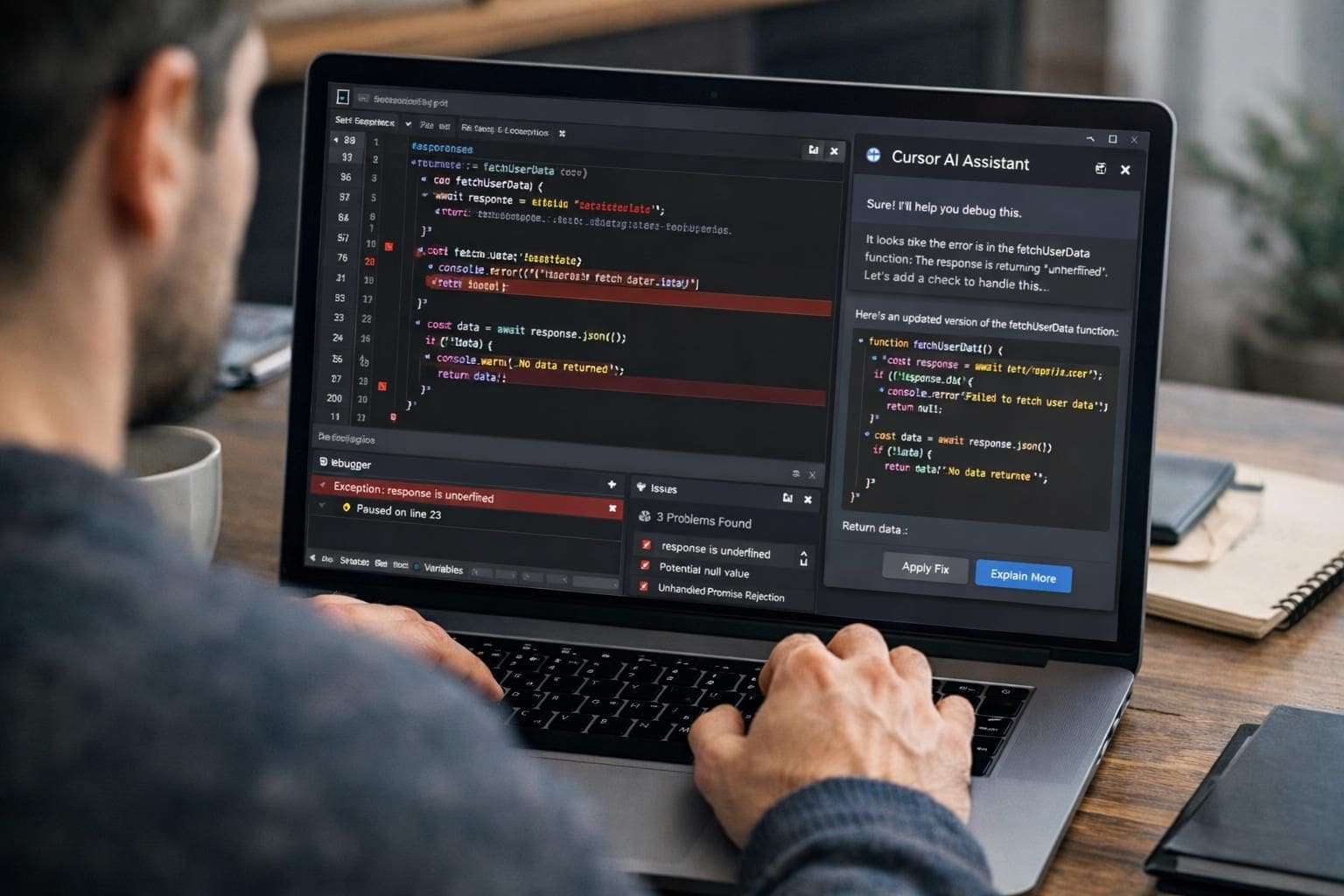
Beyond general-purpose assistants, specialized AI helpers like Cursor and Perplexity cater to niche needs such as programming and academic research, respectively. Cursor is a real-time programming assistant notable for its deep understanding of codebases, providing debug support and feature implementation assistance in various programming environments. Developers often liken working with Cursor to collaborating with an experienced senior developer — where the AI quickly untangles complex logic and speeds up code revisions.
This targeted proficiency makes Cursor invaluable, especially for beginner and intermediate coders striving to elevate their work quality. Its ability to analyze project structures and imports reduces typical development bottlenecks, facilitating smoother coding sessions. While it isn’t designed for general tasks, within the realm of programming, Cursor’s focus translates to rapid and accurate assistance, making it a practical investment for development teams or solo programmers.
Conversely, Perplexity fills a critical gap as an AI-powered research assistant with a strong emphasis on accurate and cited information retrieval. It integrates surprisingly well with iOS devices, functioning as an enhanced alternative to Apple’s Siri by managing tasks in native apps like Apple Music and Apple Maps. Although its voice interactions may sound mechanical, Perplexity has been noted for better contextual understanding and fewer hallucinations in responses compared to Siri.
This makes Perplexity particularly appealing for students, researchers, and iPhone users who require quick answers grounded in trustworthiness. The app’s ability to organize conversations into threads aids in maintaining coherence over extended research sessions, streamlining study and work processes.
- Cursor provides expert-level real-time coding support translating to improved development efficiency.
- Specialized in debugging, refactoring, and handling diverse programming environments.
- Perplexity excels in research accuracy and integrates effectively with Apple’s ecosystem.
- Offers organized chat threads for ongoing research projects and information management.
- Both tools have free tiers with premium plans starting at $20/month.
Emerging and Legacy Assistants: Claude and Siri with ChatGPT Integration
Claude is an AI assistant developed by Anthropic, recognized for its human-like conversational style and strong coding capabilities. It adeptly handles complex and nuanced queries, making it a versatile option for users seeking brainstorming help or companionship during creative blocks. Claude’s integration within Android allows users to perform actionable tasks, contributing to its growing appeal in the AI assistant marketplace.
What sets Claude apart is its ability to avoid hallucinations—a common problem with AI—making the responses reliable and concise. It also integrates with platforms like GitHub, further rooting itself in developer-friendly environments. Priced at a slightly more accessible $17 monthly for its premium plan, Claude positions itself as a serious competitor for those wanting a thoughtful and dependable AI assistant.
On the other end of the spectrum, Apple’s Siri, once pioneer in the voice assistant domain, now struggles to keep pace. Despite its deep presence in Apple’s ecosystem, Siri’s performance is often criticized for limited contextual awareness and inability to handle multi-step instructions reliably. However, Siri still provides value with hands-free controls and seamless integration with native Apple apps.
The recent development of pairing Siri with ChatGPT integrations attempts to bridge this gap, allowing users to get more intelligent responses. Nonetheless, this hybrid solution still falls short of competitors due to inconsistent performance and less conversational fluidity. Apple plans to rejuvenate Siri’s AI capabilities by leveraging Google’s Gemini technology in future updates.
- Claude offers natural conversations and strong coding support with reliable responses.
- Integrates with third-party developer tools and Android environment.
- Siri remains limited in AI sophistication but benefits from tight ecosystem connectivity.
- ChatGPT integration with Siri improves answer complexity but not overall conversation flow.
- Apple plans major AI enhancements fueled by Gemini collaboration.